What the lesson covers
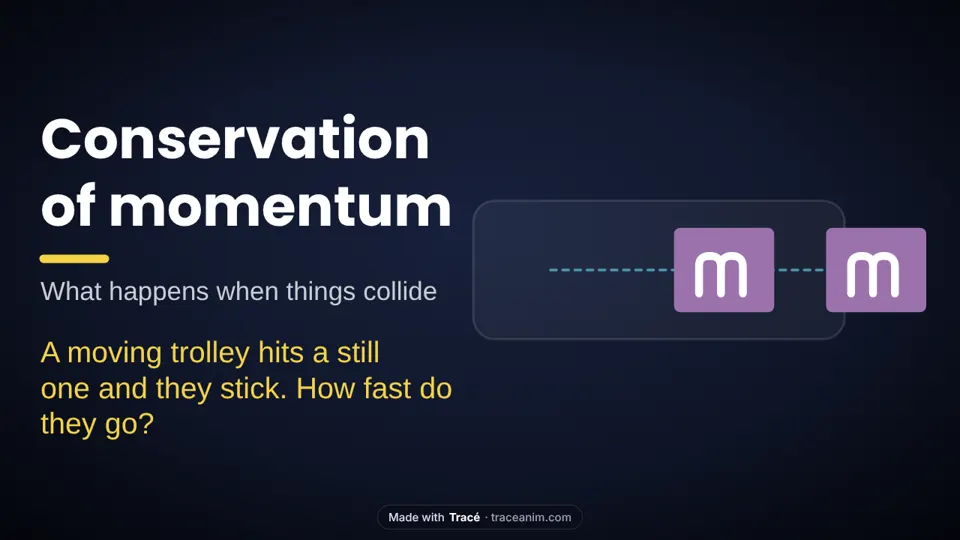
Two carts collide, first bouncing apart and then sticking together. Momentum is conserved both times, but only the elastic collision keeps its kinetic energy, as the worked example shows.
The slides, one by one
1 Elastic and inelastic collisions
Bounce or stick?
Two carts collide. What is always the same before and after?
2 Momentum is conserved in every collision
Even when the carts stick together
3 Only elastic collisions keep kinetic energy
Elastic
- Kinetic energy kept
- Objects bounce apart
- Gas molecules, snooker balls
Inelastic
- Kinetic energy lost
- Heat, sound, dents
- Stick together: totally inelastic
Momentum is conserved in both
4 Two carts that stick together
A 2 kg cart at 3 m/s hits a 1 kg cart at rest and they stick. Find their speed and the kinetic energy lost.
→ Momentum, then compare kinetic energies
They move off at 2 m/s, and 3 J of kinetic energy is lost
5 Quick check
Equal masses collide elastically; one was at rest. After…
- they move off together
- the first stops, the second moves
- both stop
- the first bounces back
Show the answer
the first stops, the second moves
Momentum and kinetic energy are both kept only if the velocities swap.
6 What to remember
Momentum is always conserved
Elastic: kinetic energy kept
Inelastic: kinetic energy lost
Sticking together: the most lost
Challenge: Is a car crash closer to elastic or inelastic? Why?
Every slide is built click by click: text, formulas and pictures come in one step at a time, so the class follows the reasoning instead of reading ahead. Graphs with sliders can be dragged live while you present.
Make your own version with AIChange the level, the numbers or the language: type the topic and get a new deck that moves in about 30 seconds. Free, no account needed.
Questions teachers ask
What is the difference between elastic and inelastic collisions?
Both conserve momentum. An elastic collision also conserves kinetic energy; an inelastic one turns some of it into heat, sound and deformation.
Are these slides really free?
Yes. Watch them on this page or present them full screen with no account. Making your own copy to edit is free too.
Can I change the slides before my lesson?
Yes. Press "Make my own copy" and the deck becomes one of your projects in the Tracé editor, where you can change the text, the numbers, the colours or the order of the clicks.
Do they work on a classroom projector or an interactive whiteboard?
Yes. They run in the browser on any laptop, so anything that shows your screen works. Press the right arrow or click to go to the next step.