
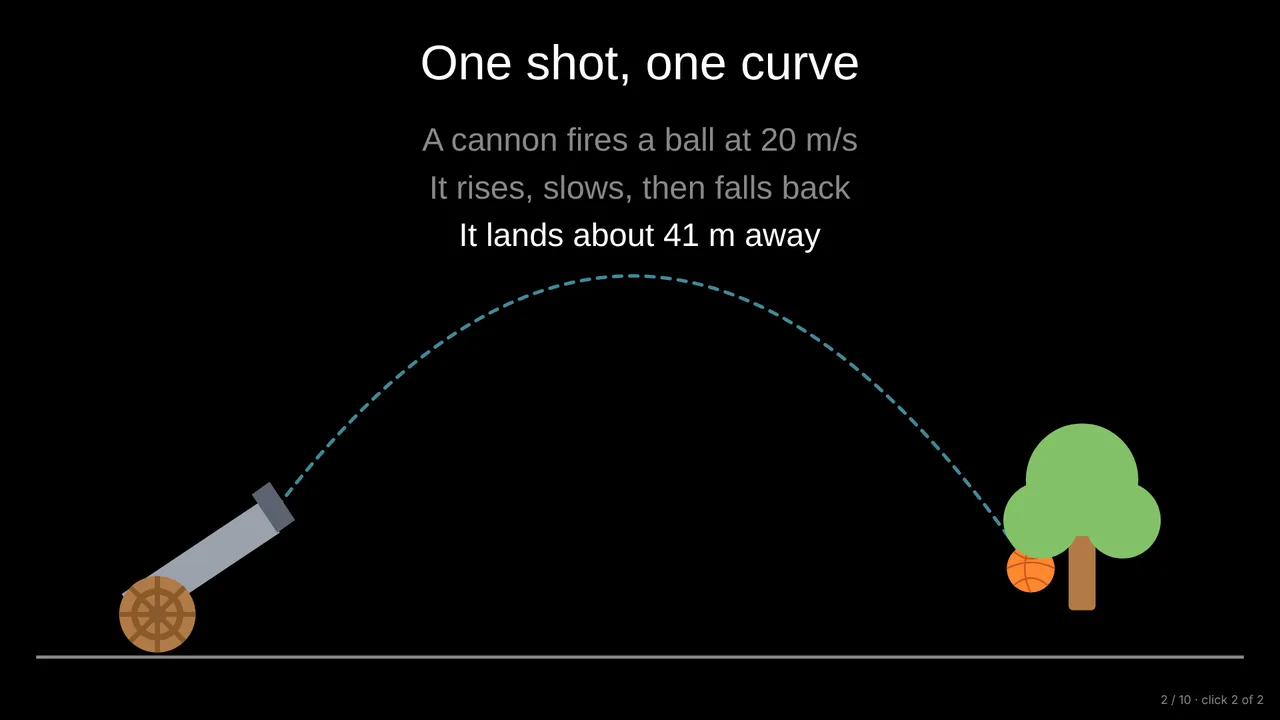
Motion along a path
A ball flies along its parabola, a car drives along a road, a planet goes round its orbit, each leaving a dashed trail.
For physics teachers
Show a projectile flying along its parabola, a pendulum swinging, a spring bouncing and current flowing round a circuit. Ready-made physics objects move on their own, and your own drawings can travel along any path.
A ball flies along its parabola, a car drives along a road, a planet goes round its orbit, each leaving a dashed trail.
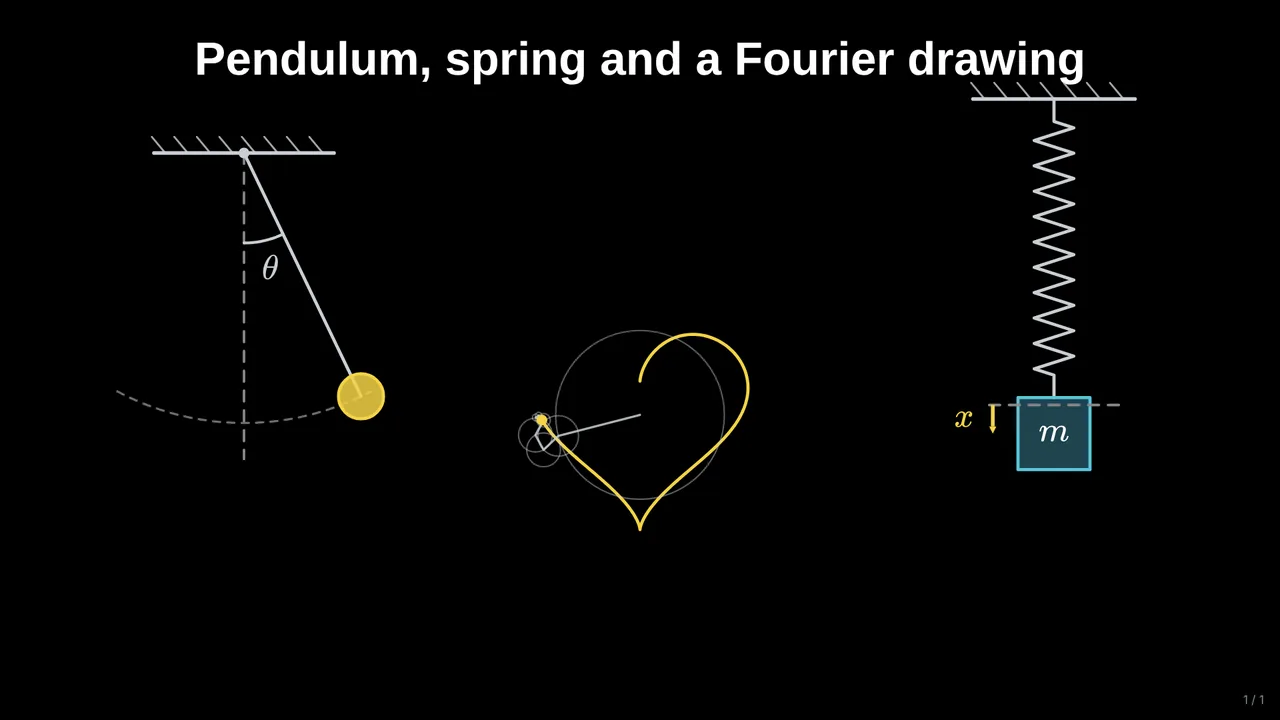
Pendulums swing, springs oscillate, waves travel and Fourier circles draw a shape, while you talk.
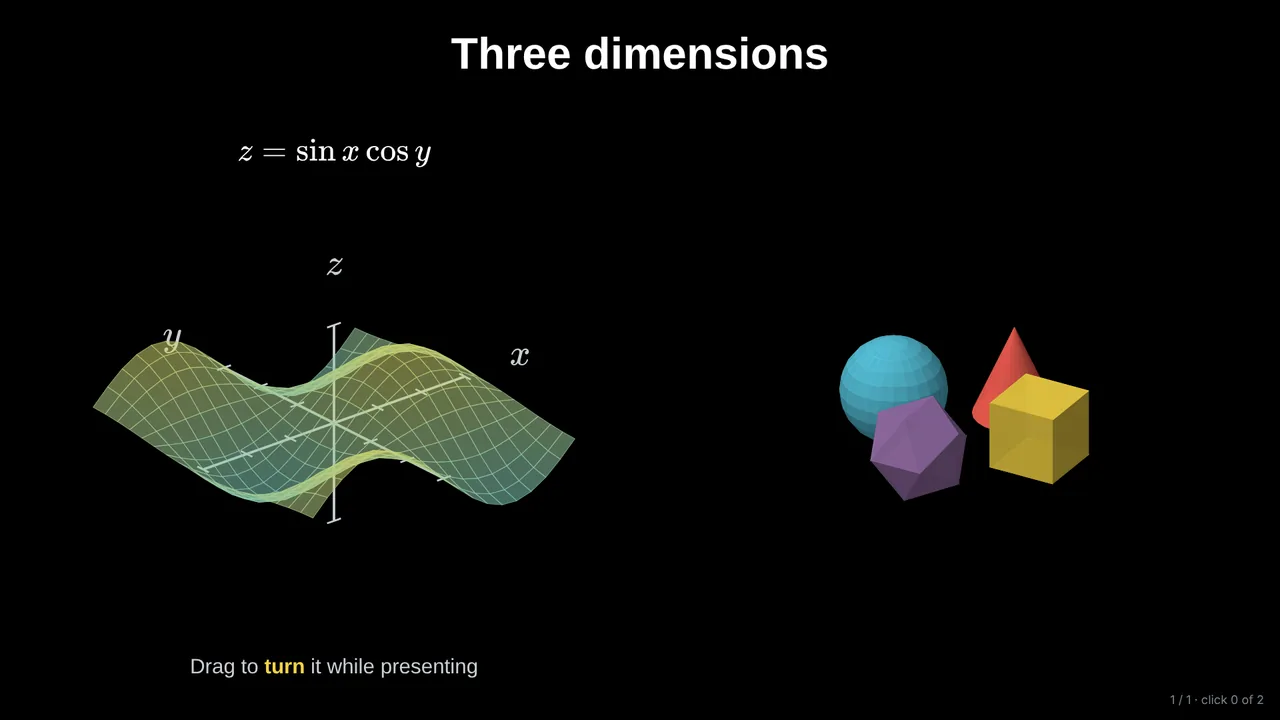
Free-body diagrams, inclined planes, pulleys, circuits, lenses and mirrors, atoms, and 3D surfaces you turn by hand.
Start with a real scene, a cannon, a car, a swing, then bring in the vectors and equations one click at a time.
Graphs come from equations, so the motion on the slide matches the maths you write next to it.
Mechanics (motion, forces, inclines, pulleys, pendulums, springs), waves, electricity, optics, atoms and signals.
Yes. Describe the lesson, for example projectile motion for 15-year-olds, and it builds animated slides you can edit.
No. Objects move on their own, and you make anything travel along a path with a few clicks.
Start with an example deck or a blank slide. It takes a minute.