
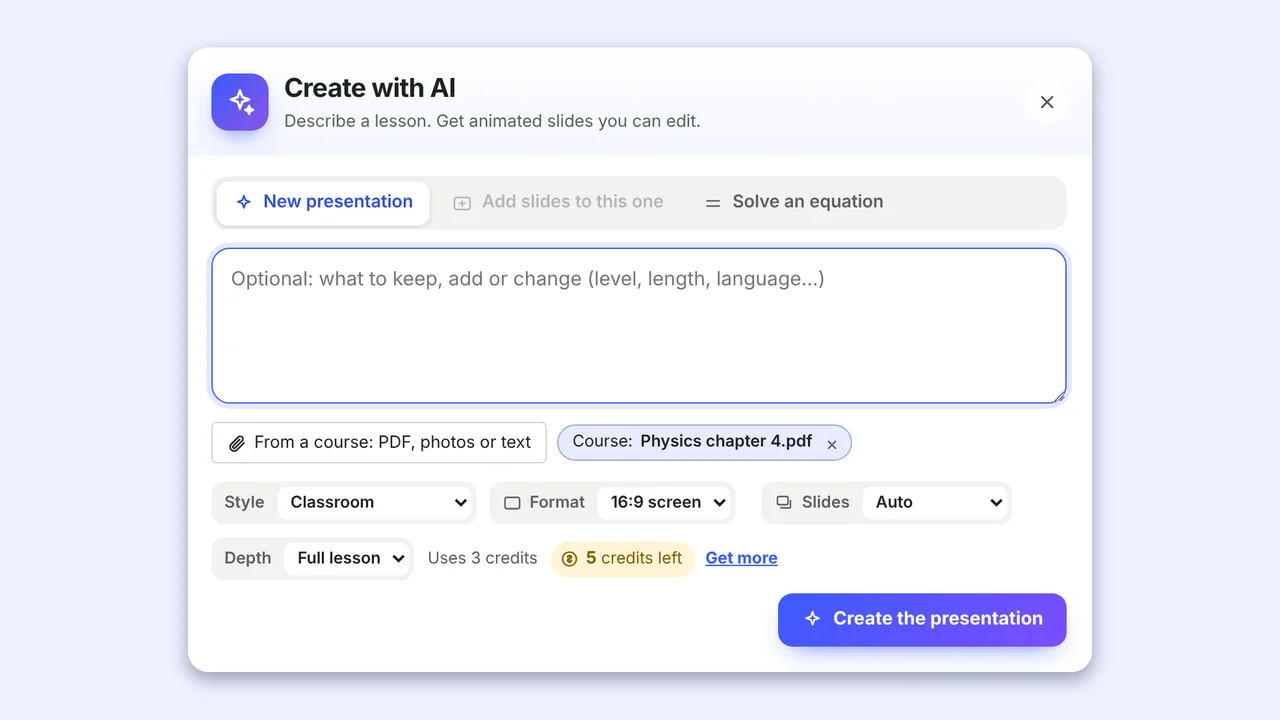
Upload a PDF, photos or text
A PDF up to 10 MB, up to 12 photos of book pages, or pasted text. Add a line if you like: the level, the length, what to leave out.
PDF to slides with AI
Upload a course chapter, a report or your notes. The AI reads the whole document, keeps its definitions, formulas, examples and numbers, and builds a full presentation: one idea per slide, diagrams that move, worked examples revealed one step per click and a quiz. Every slide stays editable.
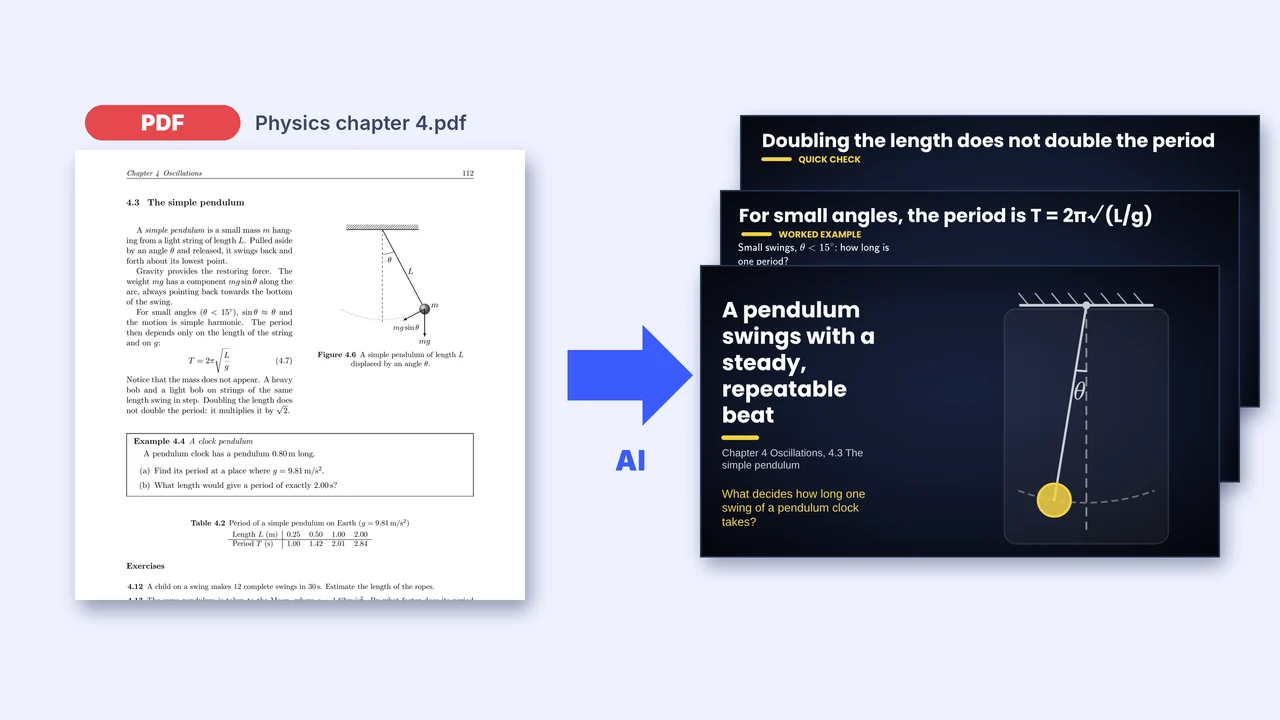
A PDF up to 10 MB, up to 12 photos of book pages, or pasted text. Add a line if you like: the level, the length, what to leave out.
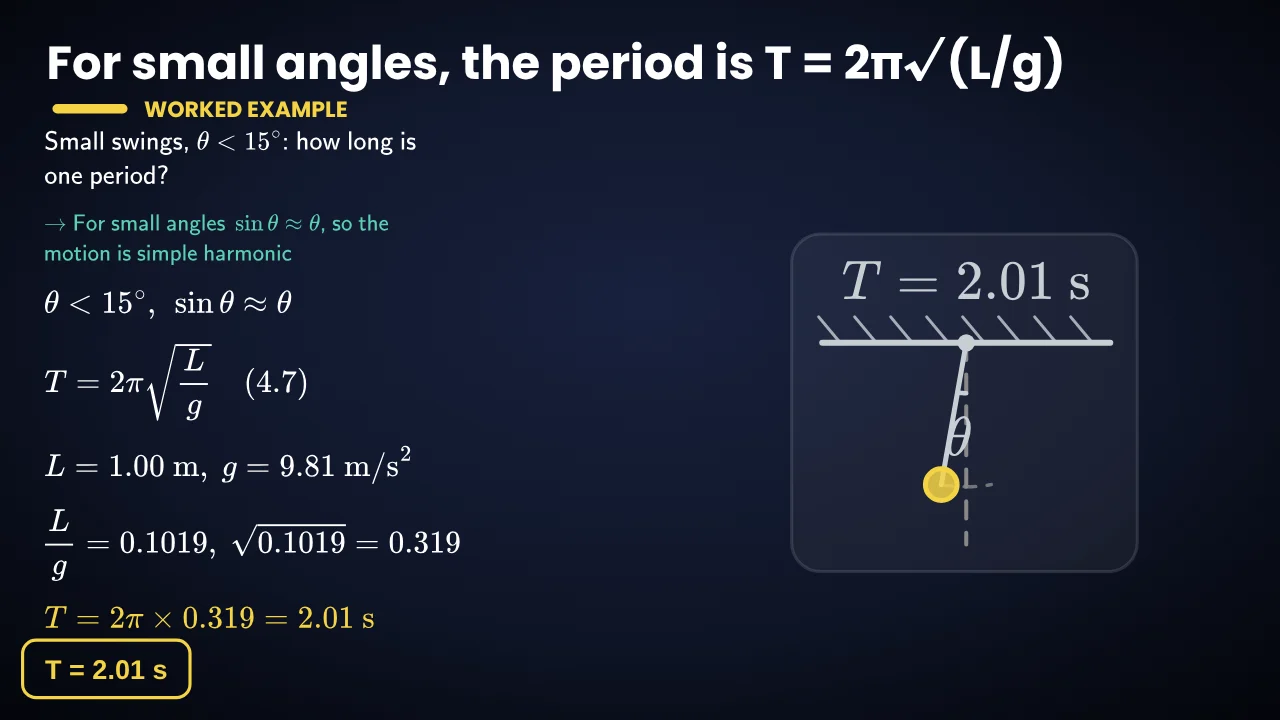
The formulas and examples in your document become worked solutions that appear one step per click, so the class follows the reasoning.
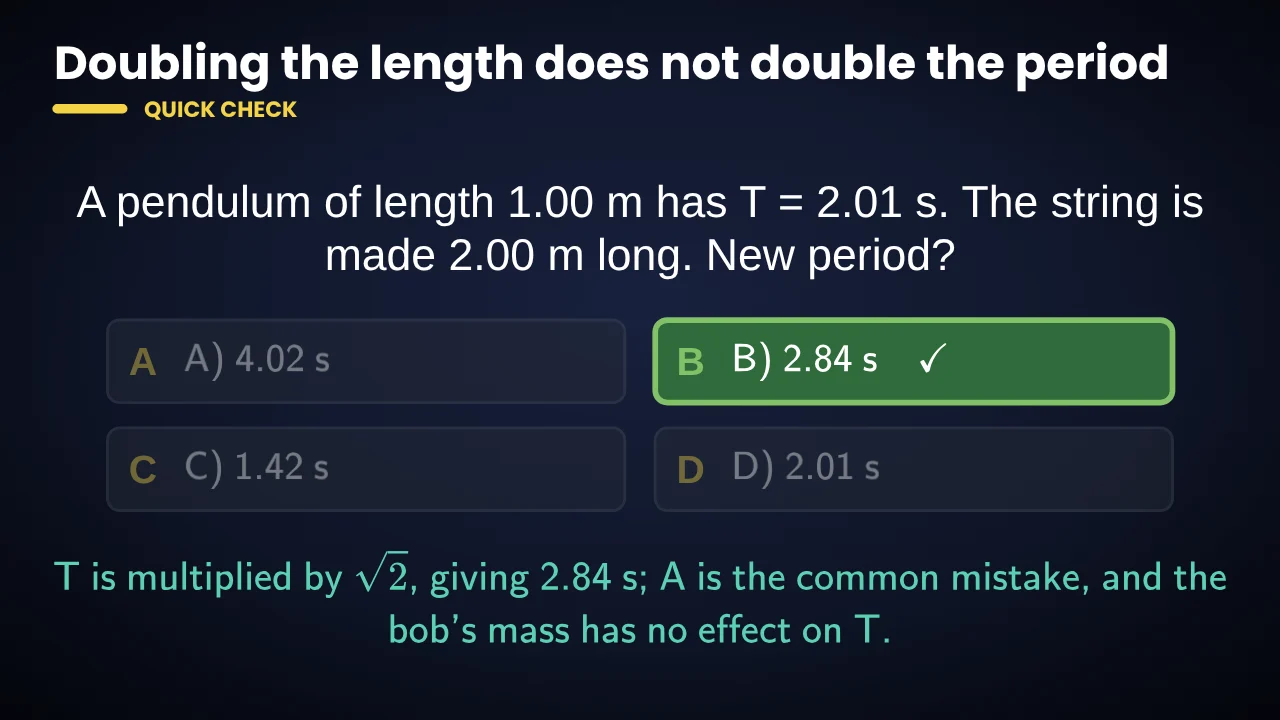
The deck ends with a question built from your content and a recap of the key points, ready for the end of the lesson.
The definitions, formulas and examples become a lesson with diagrams that move and a quiz at the end.
Choose the Business style: each title states the finding, and the figures become charts and key numbers.
No PDF? Take up to 12 photos with your phone: the AI reads the text, the formulas and the figures.
Paste a plan or a page of notes, and get slides in the order you wrote them.
Every account starts with 5 free AI credits. A deck from a PDF usually uses 3: reading the document takes one, building the slides the rest.
Up to 10 MB. For a whole book, send one chapter at a time: each chapter becomes its own deck.
Yes. The AI first writes a faithful digest of the whole document, then builds the slides from it, keeping its definitions, formulas, examples and numbers. Always read your slides before you present.
Not yet: Tracé slides move live, with sliders and animations PowerPoint cannot play. Present from your browser, share a link, or download the deck as a PDF or a video.
Any subject, with the most to show in maths and the sciences. Slides can be written in English, French, Spanish, Portuguese or Arabic.
Start with an example deck or a blank slide. It takes a minute.