
Live graphs from an equation
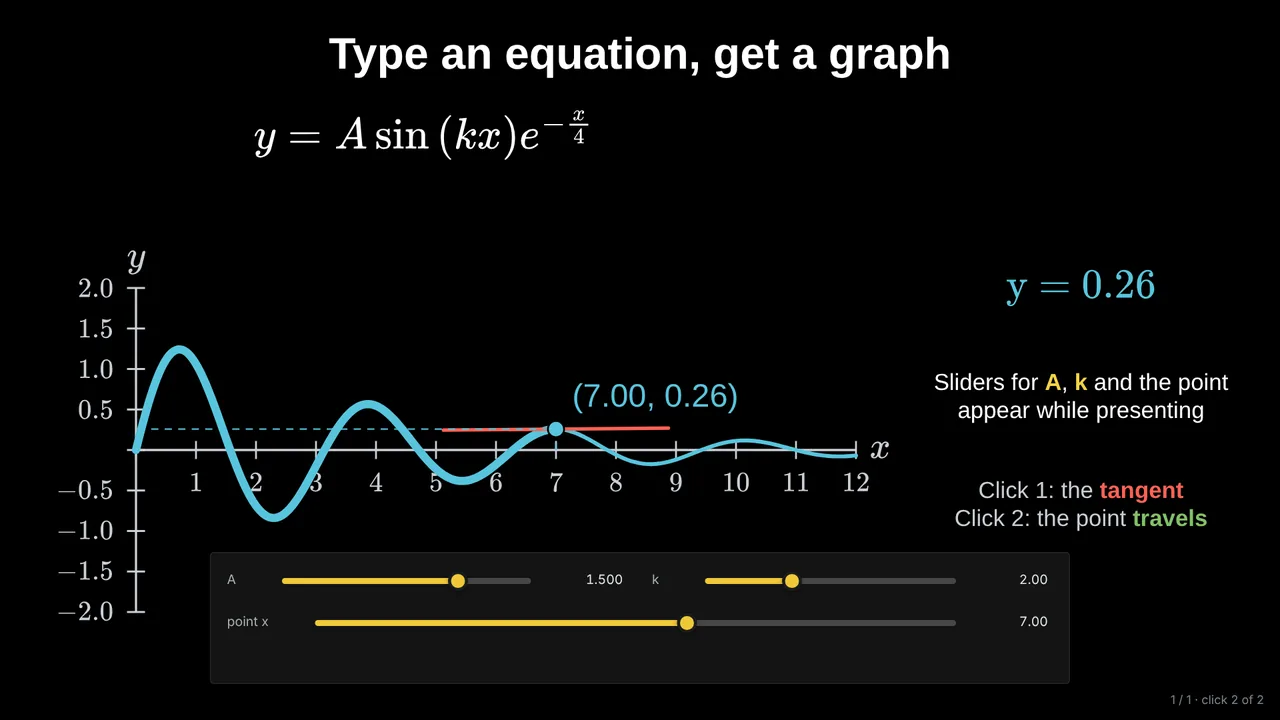
Type y = A sin(kx) like on a calculator and get the graph in one click. Sliders for A and k appear while you present.
For maths teachers
In ordinary slide tools a graph is a picture: it cannot change when a student asks “what if k is bigger?”. In Tracé the equation is alive. Drag a slider in front of the class and the curve, its labels and every point follow.
Type y = A sin(kx) like on a calculator and get the graph in one click. Sliders for A and k appear while you present.
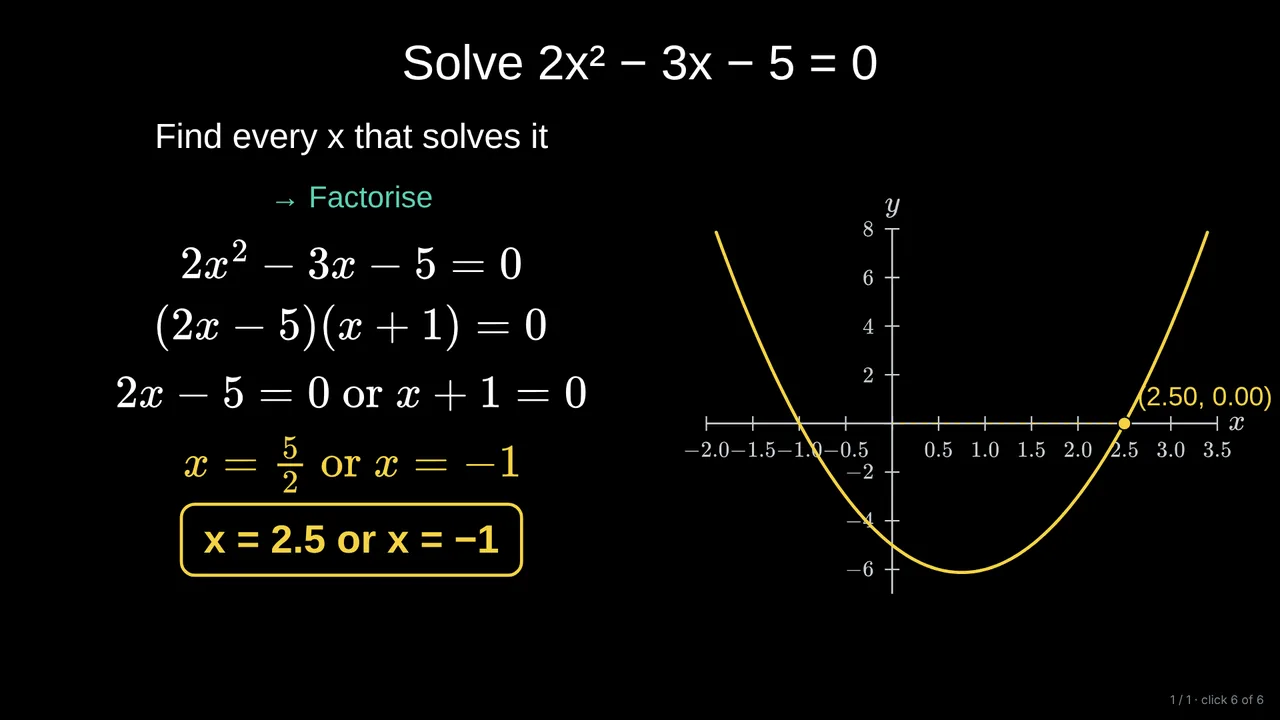
Show each line of working when you are ready for it, highlight the answer, and mark the solutions on the graph.
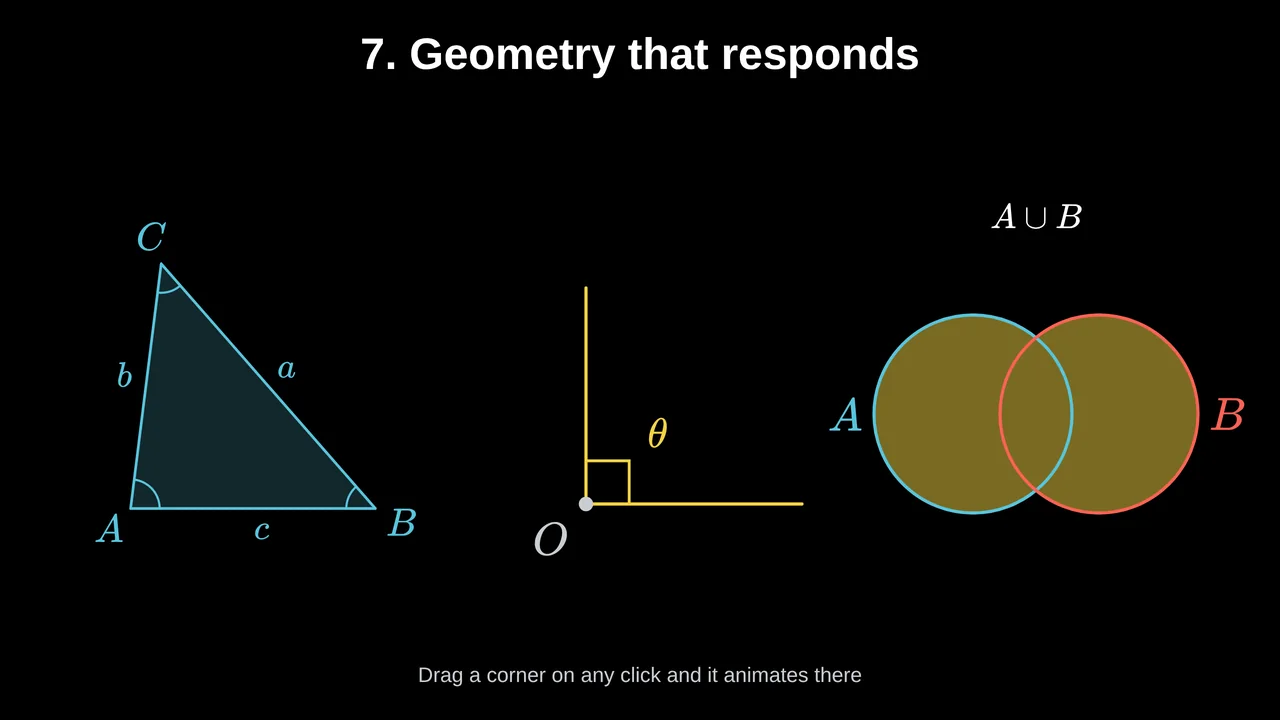
Triangles, angles, vectors, number planes and Venn diagrams. Move a corner and every label follows.

Ask a multiple-choice question, let the class answer, then reveal the right option on the next click.
you paste a picture of the graph, redraw it for every new value, and animate boxes rather than mathematics.
the graph comes from the equation, changes live, and every step of the explanation appears exactly when you click.
Yes. Tracé runs in the web browser, with nothing to install. Chrome and Edge work best.
Yes. Share a link: they watch on any device and can move the sliders themselves.
Yes. Export a PDF with one page per slide, or a picture of any slide.
The whole editor is free. Pro keeps 50 decks online and adds AI credits every month, advanced 3D and voice recording.
Start with an example deck or a blank slide. It takes a minute.