
Functions
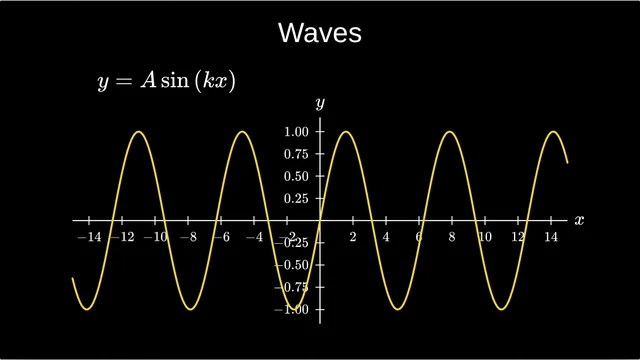
Waves: y = A sin(kx)
A graph of y = A sin(kx) with live sliders for A and k, to change the amplitude and the frequency in front of the class.
Open and presentFree math slides
Eleven interactive slides for maths and physics lessons. Open one to present it full screen: click for each step, and drag the sliders to change the numbers while the class watches. Like one? Make your own copy and change anything. Free, in your browser, no account needed to present.
A graph of y = A sin(kx) with live sliders for A and k, to change the amplitude and the frequency in front of the class.
Open and present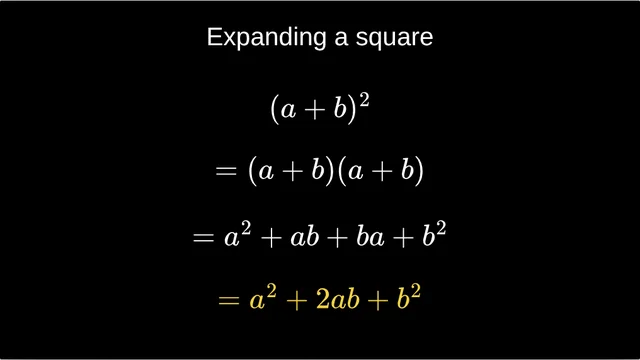
(a + b)² worked out one line per click, ending on a² + 2ab + b².
Open and present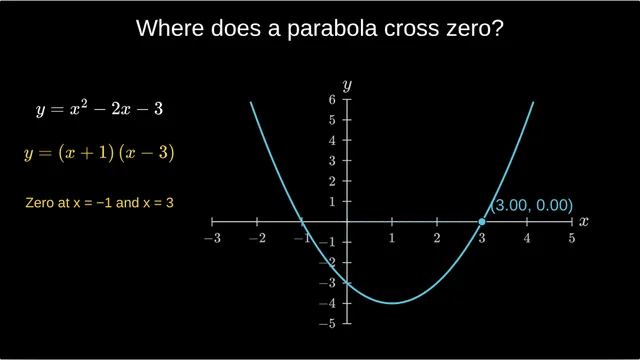
Factorise x² − 2x − 3, then a point travels to each root: x = −1 and x = 3.
Open and present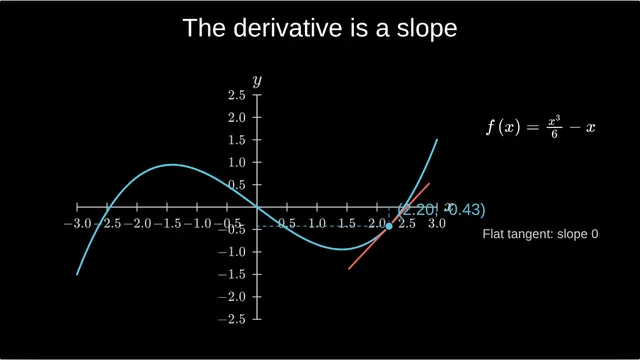
A tangent slides along the curve with a live slider, and its slope updates as it moves.
Open and present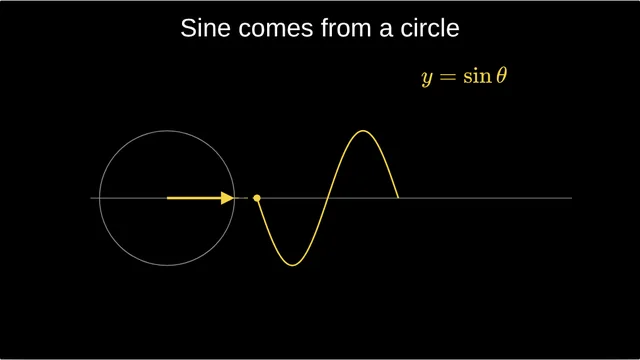
A point turns round a circle and traces y = sin θ beside it.
Open and present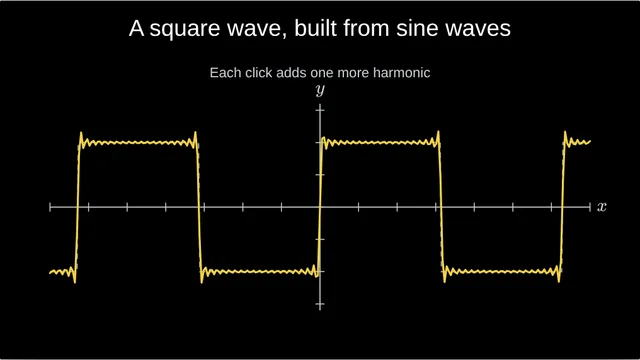
Each click adds one more harmonic until a square wave appears.
Open and present
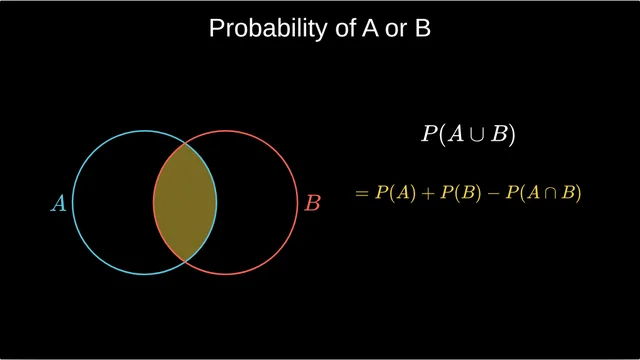
Shade A ∪ B on a Venn diagram, then P(A ∪ B) = P(A) + P(B) − P(A ∩ B).
Open and present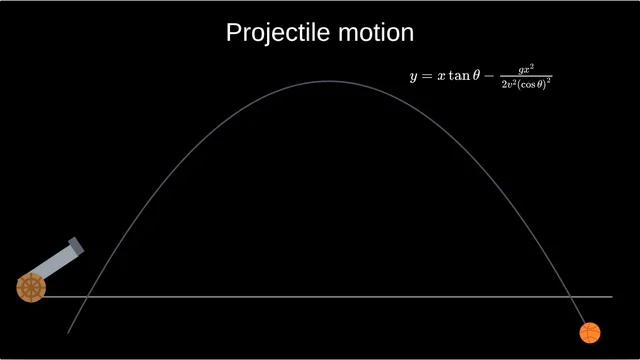
A ball leaves a cannon and flies along its parabola, with the equation of its path.
Open and present
Yes. Open any of them and present it full screen with no account. Making your own copy and editing it is free too.
Yes. Open it, press Make my own copy, and it becomes one of your projects in the editor, where you can change the equation, the numbers, the colours or the order of the clicks.
Yes. They run in the browser. Once a slide has loaded, presenting works without an internet connection.
Yes. Start from a blank slide or one of these in the editor; the step-by-step guide shows how to go from an equation to a live graph with sliders.
Start from one of these or from a blank slide. It takes a minute.