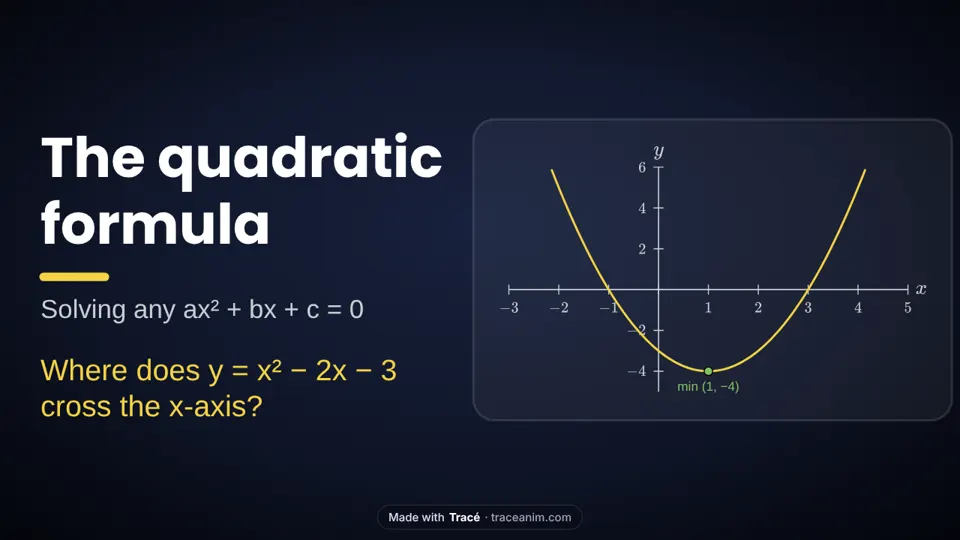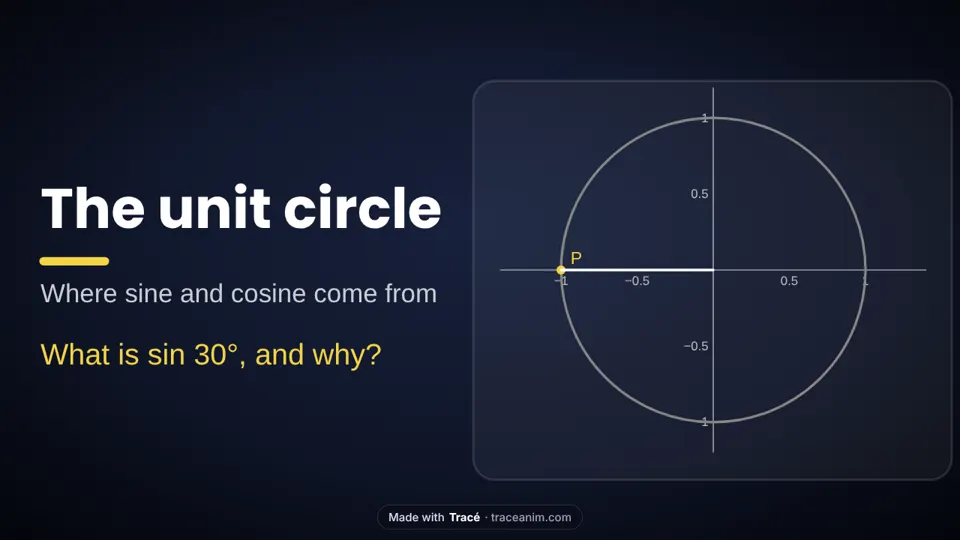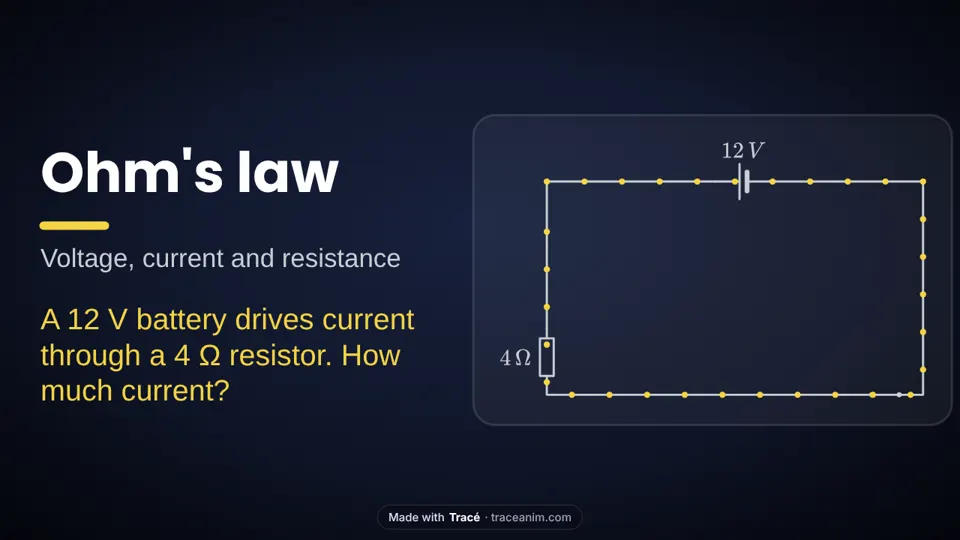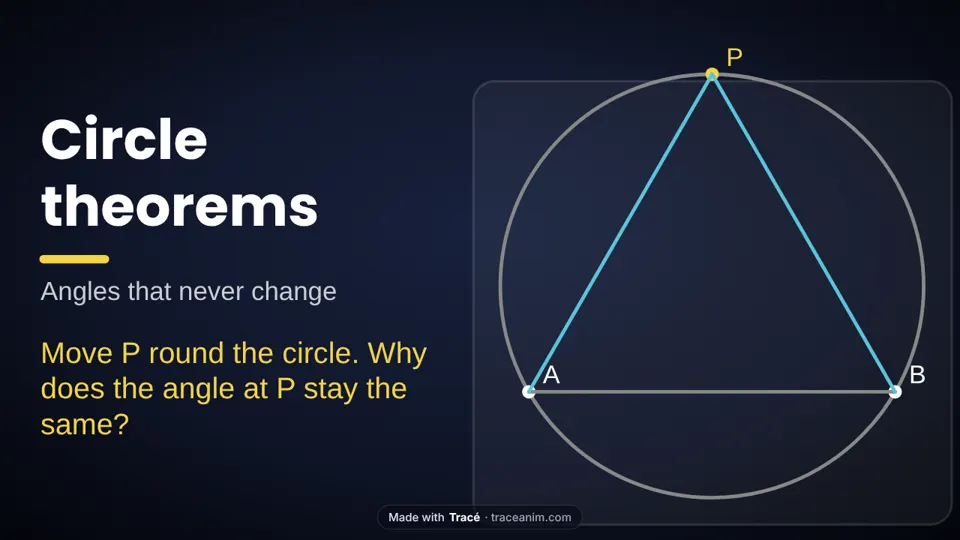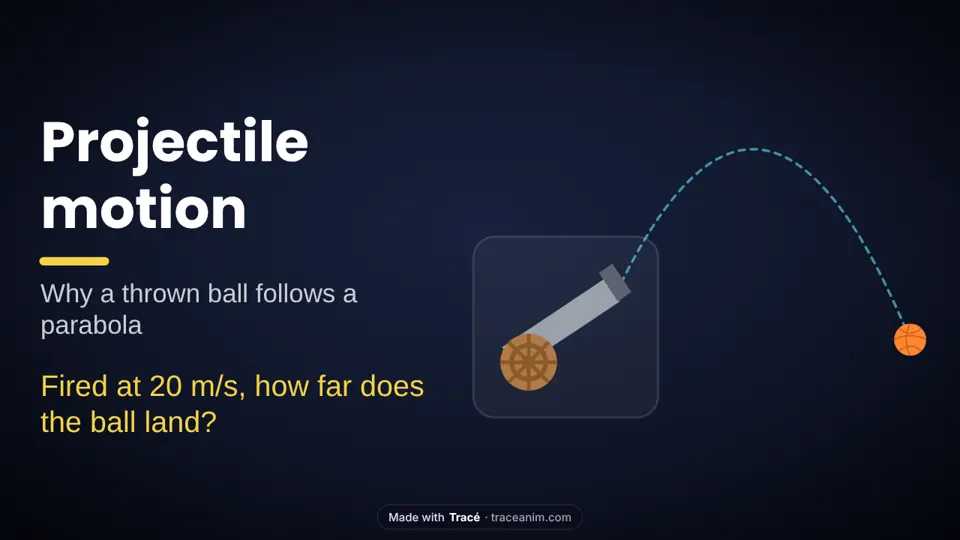
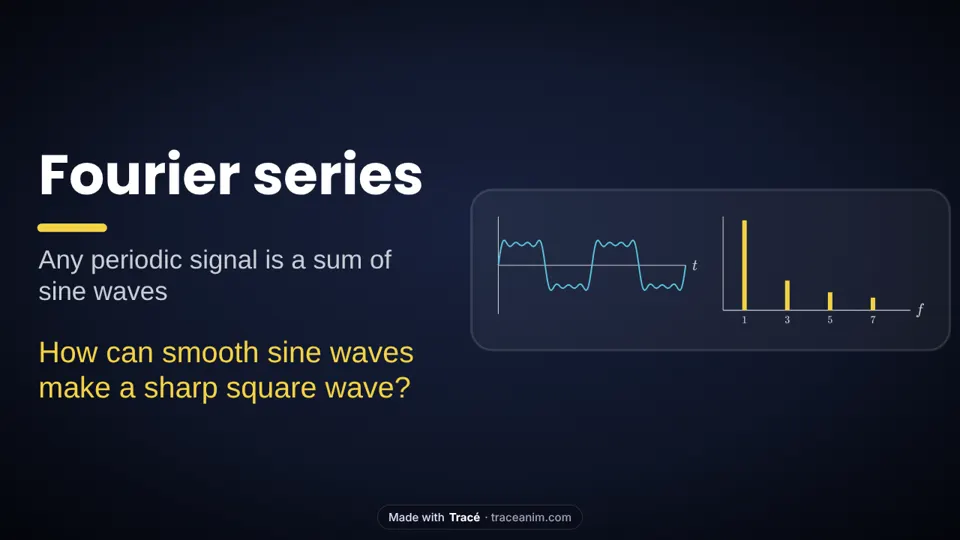
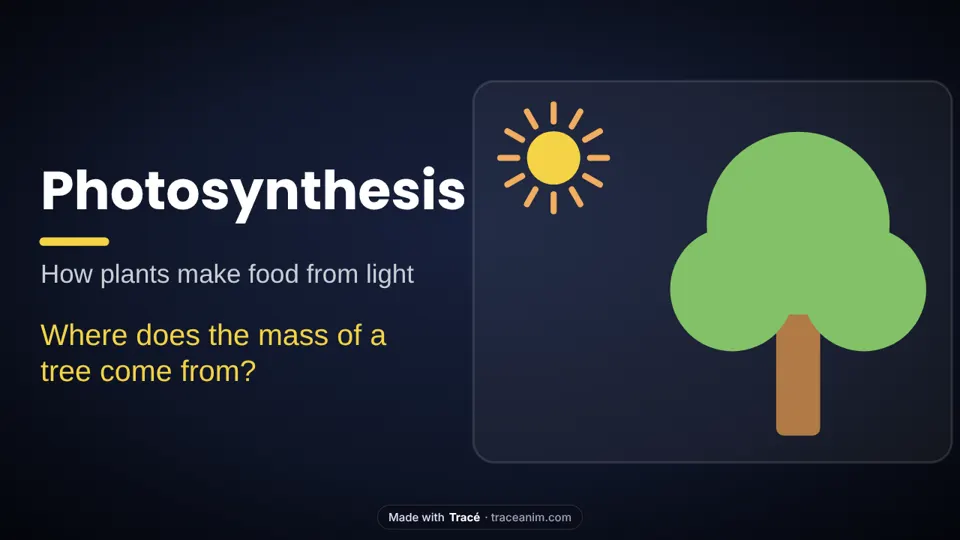
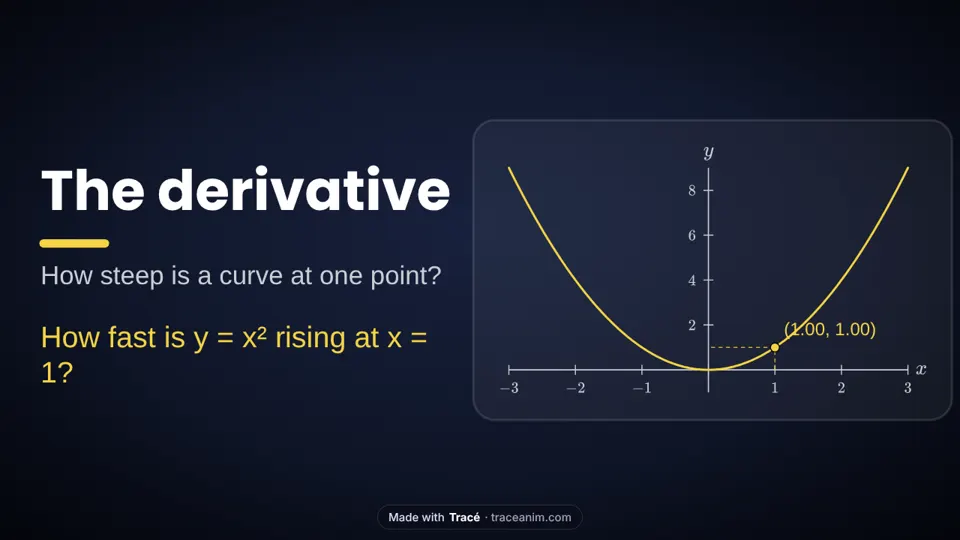
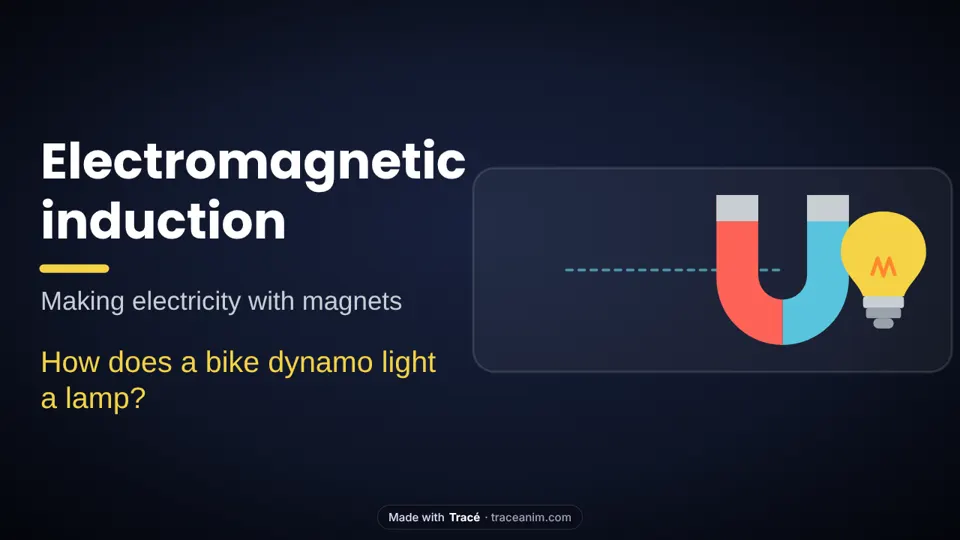
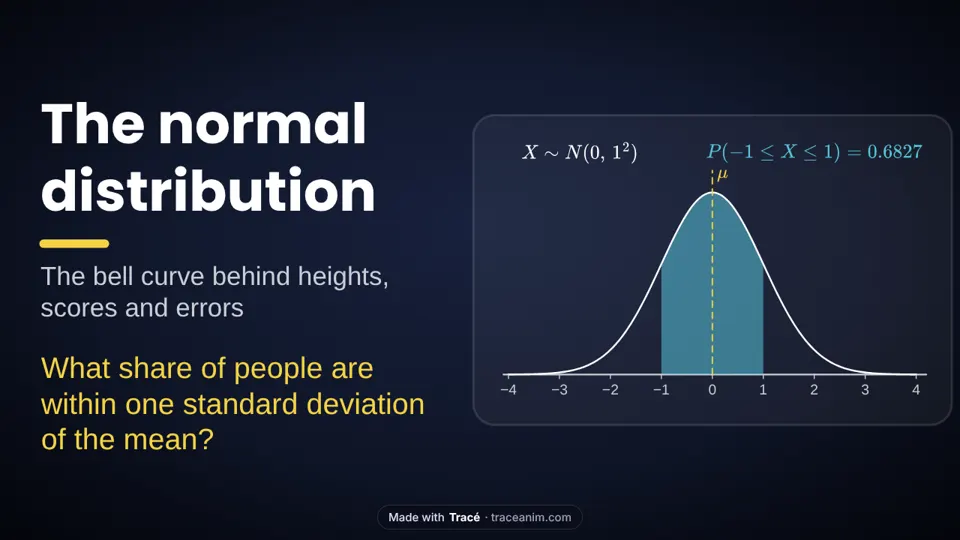
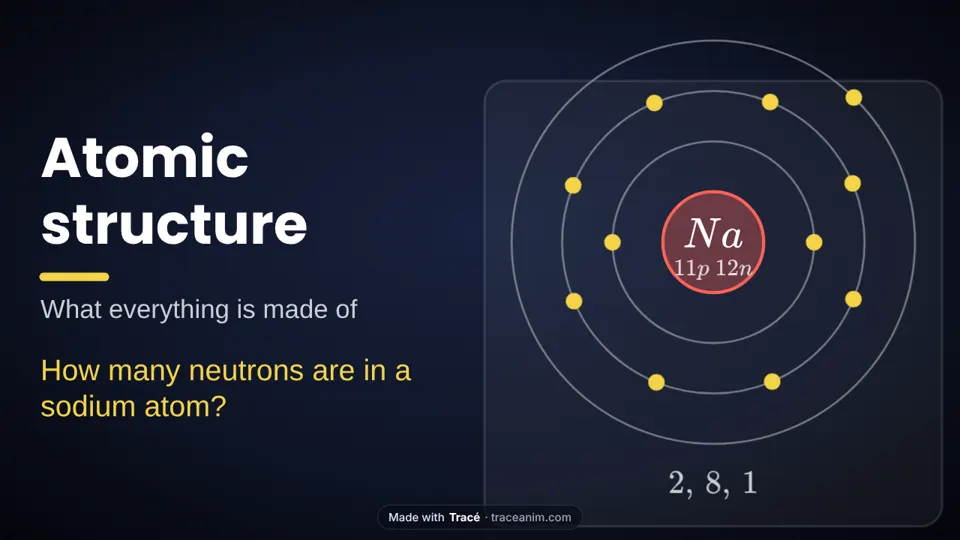
Start from a topic or your PDF
Type what you teach, or drop a course PDF, photos or notes. The AI builds a first deck that already moves.
- Any subject
- PDF, photos or notes
- Ready in about 30 seconds
- Change everything after
Free to try, no account needed
Slides that move when you do.
Lessons, talks and pitches where each step appears on a click, charts grow, and graphs move when you drag a slider. Build a deck in minutes, or let AI build it from your PDF.
Nothing to installNo account needed to tryLaptop, tablet or phoneFor teachers, students and researchersDrop a chapter or your notes. Get the whole deck.
Graphs, physics and diagrams that animate, click by click.
Drag a number and everyone sees what changes.
How it works
Type what you teach, or drop a course PDF, photos or notes. The AI builds a first deck that already moves.
Text, equations, graphs, shapes, 3D and science diagrams, from the Add menu.
Appear, move, morph, draw, count. Or duplicate the slide, change it, and Tracé animates between the two.
Full screen with live sliders. Viewers can watch on any device, and even play with the values.
One button turns the deck into an MP4. With Pro, record your voice on each click.
Free lessons
Maths, physics, chemistry, biology and computing: open one, press play, and every step appears on a click. Copy it into your account to change anything.
Pricing
Every animation is free. Pro adds advanced 3D, your own voice and the video script, and keeps all your decks online.
Founding offer, for the first 100 teachers: $48 a year instead of $72, kept for as long as you stay subscribed.
Founding Lifetime: pay $69 once and keep Pro for good. Get lifetime Pro
Prices in US dollars. Sales tax or VAT is added at checkout where it applies. Payments are handled by Paddle, our reseller.
Yes. In Create with AI, upload a PDF (up to 10 MB), photos of book pages or your notes: the AI reads the whole document and builds an editable deck with diagrams that move, worked examples and a quiz.
No. Tracé runs in your web browser on a computer, tablet or phone (Chrome or Edge work best). Videos are made in the browser too.
No. Your decks are kept in your browser, and you can try the AI builder once without an account: it builds a short deck from your request or PDF and shows you the first 2 slides. A free account saves decks online, opens them on any device, shares them with a link and gives you 5 AI credits, then 3 more each month.
Yes. After you open the editor once, it keeps a copy on your device: it opens, edits and presents without a connection. The AI builder and saving to your account need internet; decks sync again when you are back online.
Yes. Nothing is deleted when you cancel. You keep every deck; above 3 decks you just cannot add new ones online until you remove some or come back to Pro. You can also download any deck as a file at any time.
The Free plan has the whole editor, which is what most students need. For classes or departments, email us.
If Pro is not for you, ask within 14 days of paying and you get your money back. See the refund policy.
Start with an example deck or a blank slide. It takes a minute.