What the lesson covers
An apple falls and speeds up; a graph shows distance growing with time squared. Students use v = gt and d = ½gt² to find how long a drop takes and how fast it lands.
The slides, one by one
1 Free fall
How things fall under gravity
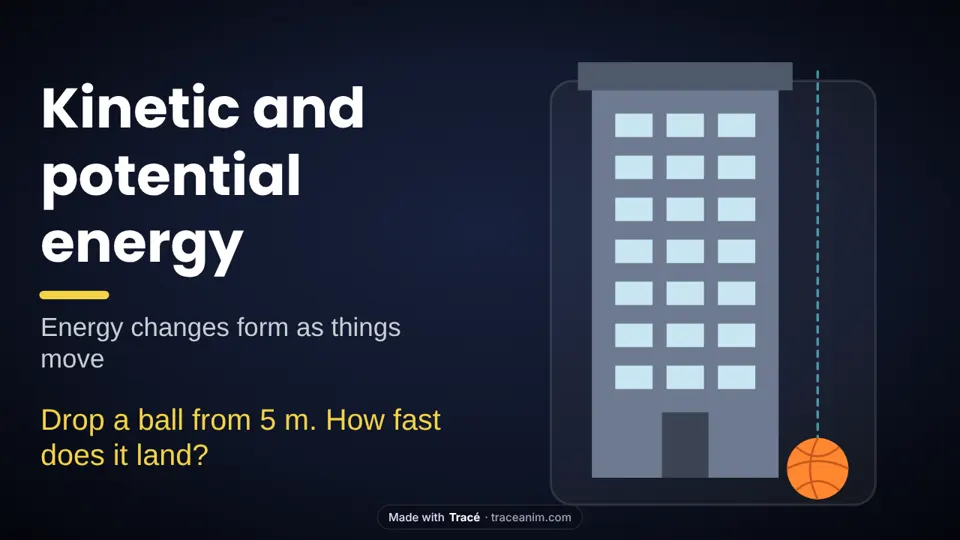
Drop a stone from 20 m. How long until it lands?
2 A falling object speeds up
An apple falls from a tree
Every second it gains 9.8 m/s
It lands faster than it started
3 Twice the time, four times the distance
Live graph: y = 4.9·x²
4 The stone from 20 m
A stone is dropped from 20 m. How long does it fall, and how fast does it land? (g = 9.8 m/s²)
→ Use d = ½gt², then v = gt
About 2 s, landing at about 20 m/s
5 Quick check
Without air, a feather and a hammer dropped together…
- hammer lands first
- feather lands first
- land together
- neither falls
Show the answer
land together
In a vacuum every object falls with the same acceleration g.
6 What to remember
All objects fall alike without air
Challenge: How far does a stone fall in its third second?
Every slide is built click by click: text, formulas and pictures come in one step at a time, so the class follows the reasoning instead of reading ahead. Graphs with sliders can be dragged live while you present.
Make your own version with AIChange the level, the numbers or the language: type the topic and get a new deck that moves in about 30 seconds. Free, no account needed.
Questions teachers ask
Which equations are used?
v = gt and d = ½gt² for an object dropped from rest, with g = 9.8 m/s².
Are these slides really free?
Yes. Watch them on this page or present them full screen with no account. Making your own copy to edit is free too.
Can I change the slides before my lesson?
Yes. Press "Make my own copy" and the deck becomes one of your projects in the Tracé editor, where you can change the text, the numbers, the colours or the order of the clicks.
Do they work on a classroom projector or an interactive whiteboard?
Yes. They run in the browser on any laptop, so anything that shows your screen works. Press the right arrow or click to go to the next step.