What the lesson covers
Two waves are added point by point while a slider shifts one of them, from doubling to cancelling. Students use the path difference to find whether a listener between two speakers hears a loud or quiet spot.
The slides, one by one
1 Interference and superposition
When waves meet
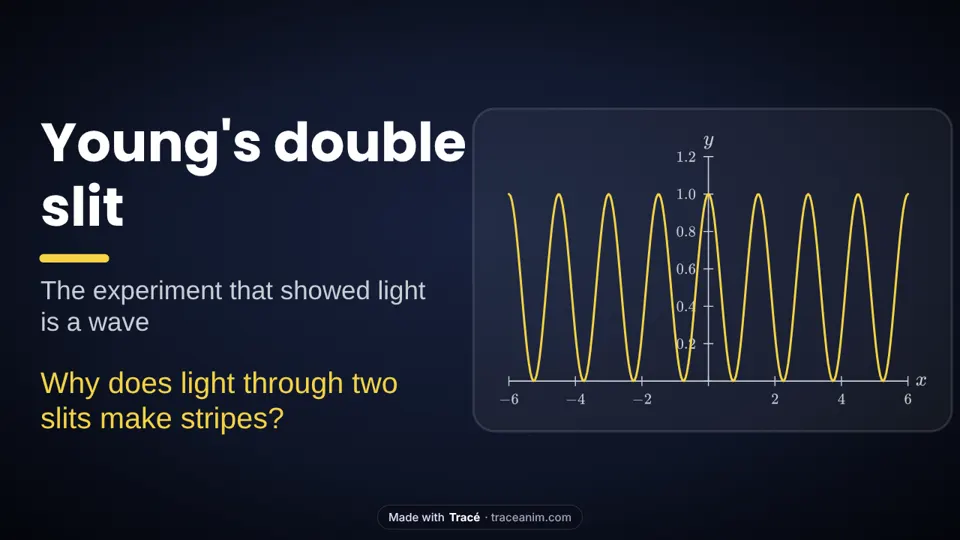
Two speakers play the same note. Why are some spots quiet?
2 Displacements add where waves overlap
Live graph: y = (sin((x)))+(sin(((x)+((0)))))
3 Path difference decides loud or quiet
Constructive
- In phase
- Path difference
n\lambda - Loud, bright
Destructive
- In antiphase
- Path difference
(n + \tfrac12)\lambda - Quiet, dark
The waves must be coherent: a steady phase difference
4 A quiet spot between two speakers
Two speakers play 500 Hz in phase (v = 340 m/s). A listener is 3.40 m from one and 3.74 m from the other. Loud or quiet?
→ Path difference in wavelengths
Half a wavelength: destructive interference, a quiet spot
5 Quick check
- destructive interference
- no interference
- diffraction
- constructive interference
Show the answer
constructive interference
A whole number of wavelengths puts the waves in phase.
6 What to remember
Superposition: displacements add
In phase: constructive
Antiphase: destructive
Challenge: How do noise-cancelling headphones use interference?
Every slide is built click by click: text, formulas and pictures come in one step at a time, so the class follows the reasoning instead of reading ahead. Graphs with sliders can be dragged live while you present.
Make your own version with AIChange the level, the numbers or the language: type the topic and get a new deck that moves in about 30 seconds. Free, no account needed.
Questions teachers ask
When do two waves cancel out?
When they meet half a wavelength out of step: a path difference of (n + ½)λ gives destructive interference; a path difference of nλ gives constructive.
Are these slides really free?
Yes. Watch them on this page or present them full screen with no account. Making your own copy to edit is free too.
Can I change the slides before my lesson?
Yes. Press "Make my own copy" and the deck becomes one of your projects in the Tracé editor, where you can change the text, the numbers, the colours or the order of the clicks.
Do they work on a classroom projector or an interactive whiteboard?
Yes. They run in the browser on any laptop, so anything that shows your screen works. Press the right arrow or click to go to the next step.