What the lesson covers
A linear search checks the items of a list one by one until it finds the target or reaches the end. Students watch a pointer step along a list, count comparisons in the best and worst case and see when a binary search would be faster.
The slides, one by one
Every slide is built click by click: text, formulas and pictures come in one step at a time, so the class follows the reasoning instead of reading ahead. Graphs with sliders can be dragged live while you present.
Questions teachers ask
How many comparisons does a linear search make?
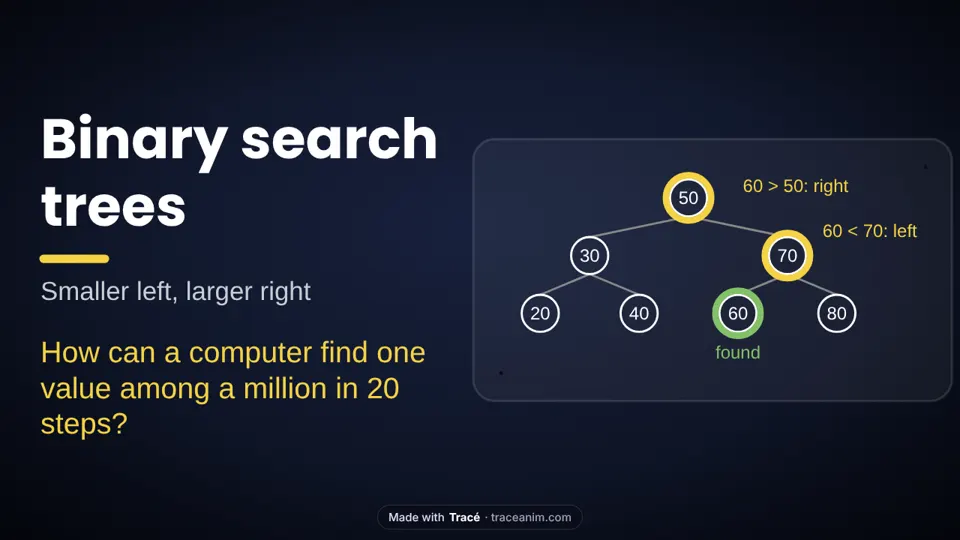
In the worst case, when the item is last or missing, it checks all n items. On average it checks about half of them. It works on unsorted lists, unlike binary search, which needs only about log₂ n checks on a sorted list.
Are these slides really free?
Yes. Watch them on this page or present them full screen with no account. Making your own copy to edit is free too.
Can I change the slides before my lesson?
Yes. Press "Make my own copy" and the deck becomes one of your projects in the Tracé editor, where you can change the text, the numbers, the colours or the order of the clicks.
Do they work on a classroom projector or an interactive whiteboard?
Yes. They run in the browser on any laptop, so anything that shows your screen works. Press the right arrow or click to go to the next step.