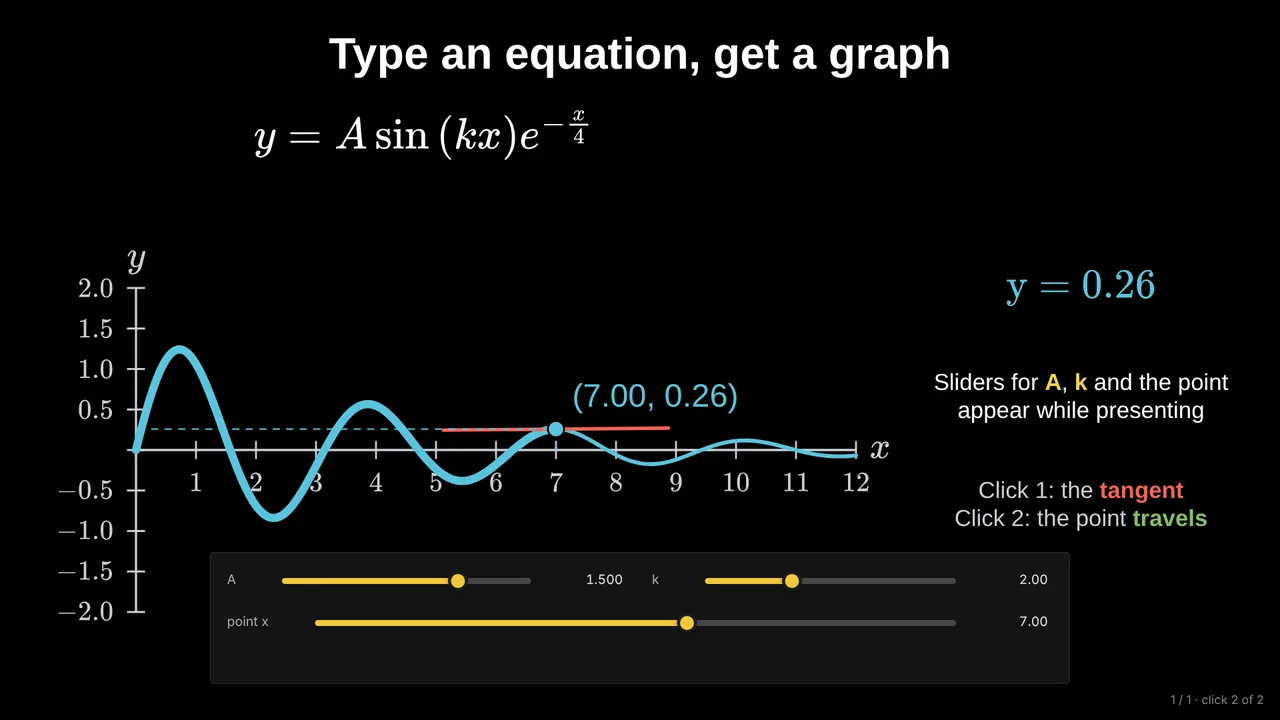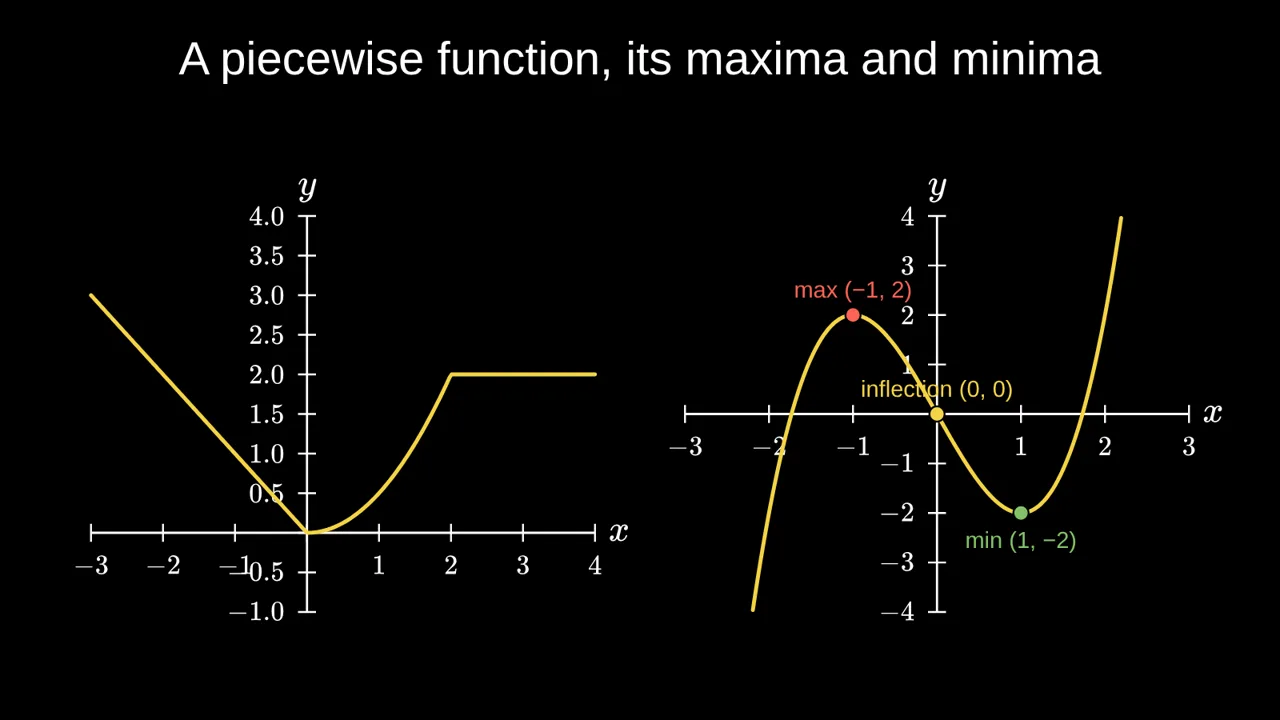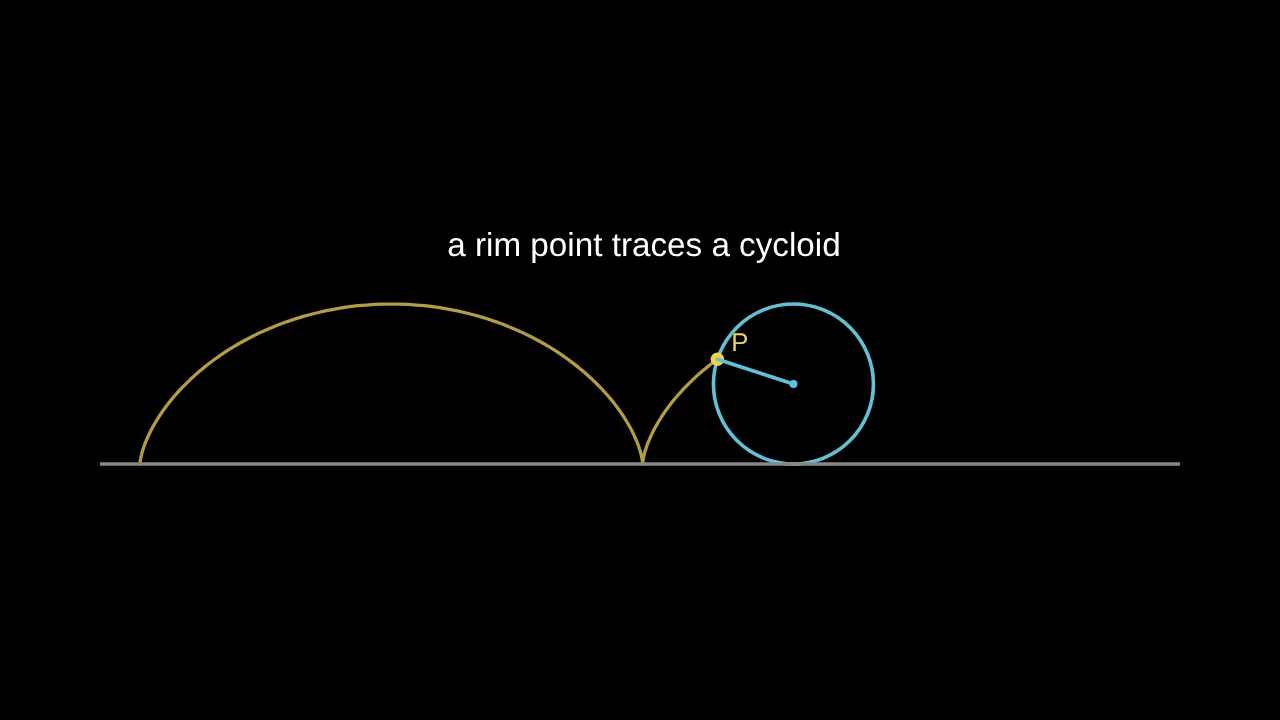
To create math slides, open a slide editor that understands mathematics, type your equation, turn it into a graph, add a live slider for the number you want to change, and decide what appears on each click. In Tracé that takes about five minutes, in your browser, with no account and no code. Here is each step.
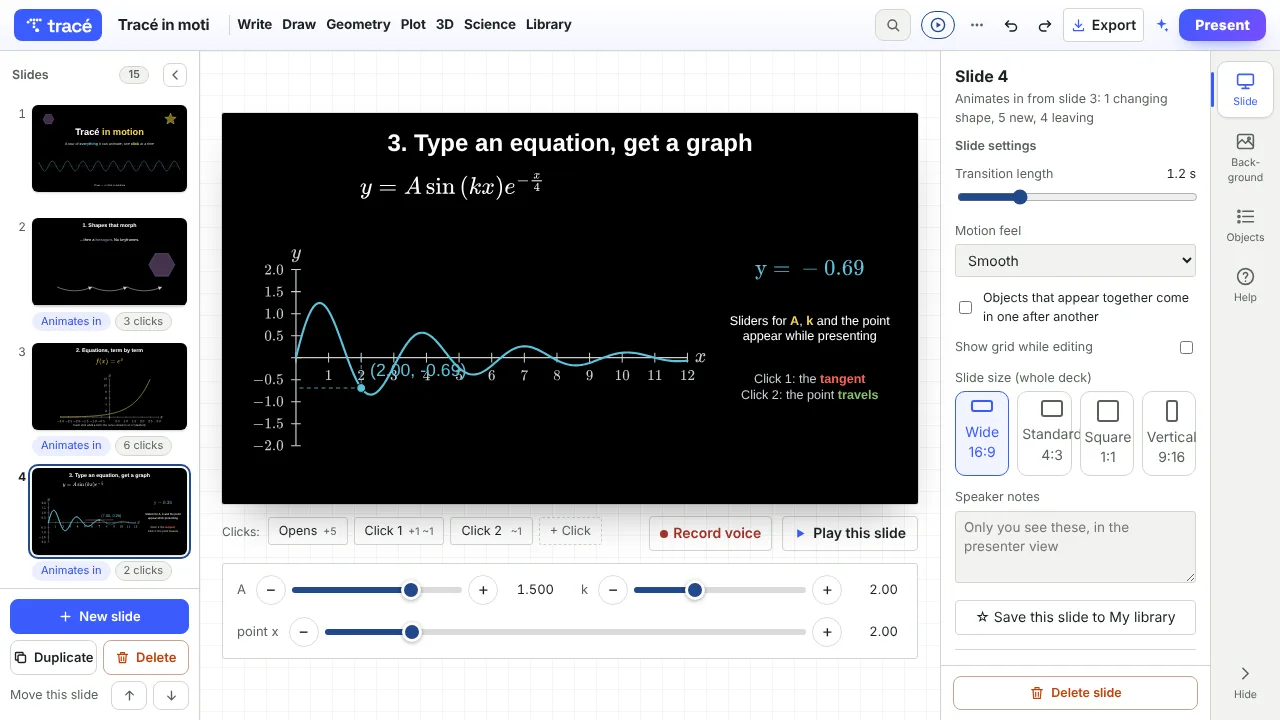
1. Open the editor and pick a starting point
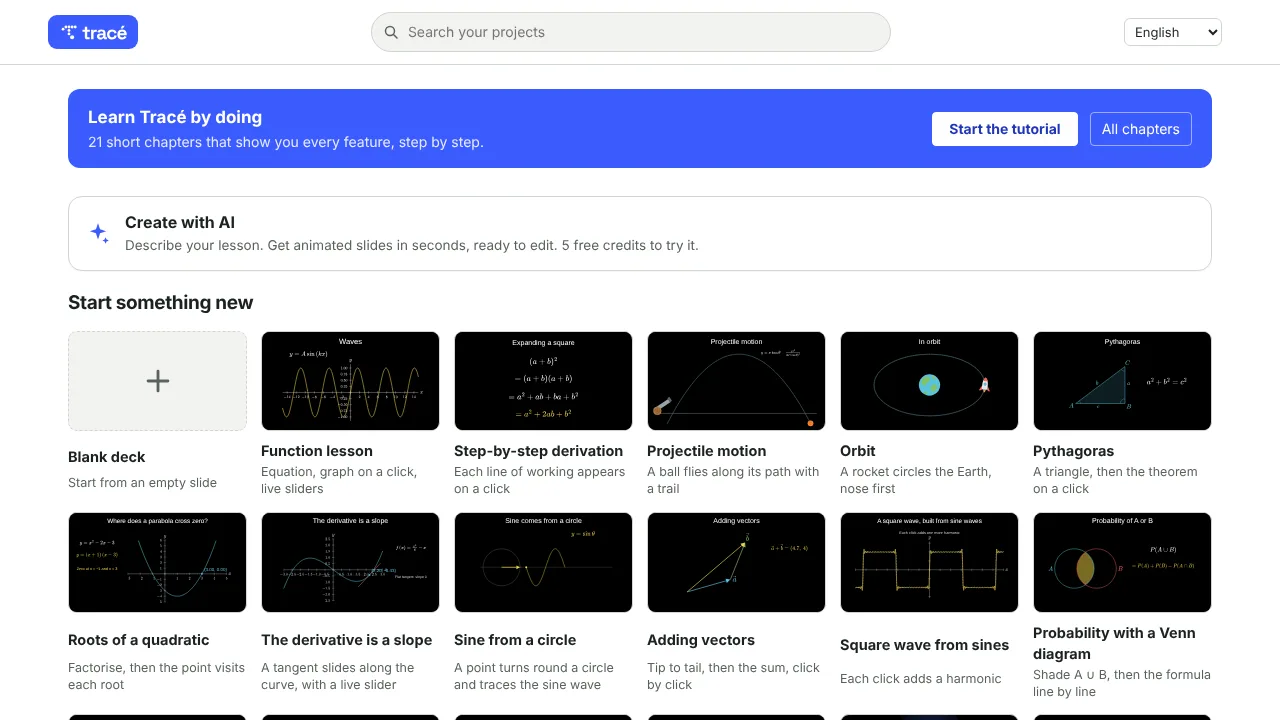
Go to traceanim.com/app. You land on the projects page. Pick Blank deck, or a template close to your lesson: Function lesson, Step-by-step derivation, Roots of a quadratic, The derivative is a slope and others. A template is the fastest way to see a finished slide and change it into yours. You can also try one of the free math slides first: they open full screen, ready to present.
2. Type the equation
Open the Write menu and choose Equation. Type it the way you would on a calculator, for example y = a x^2 + c: it is typeset for you. A symbols palette inserts fractions, roots, integrals and Greek letters, and LaTeX works too if you already know it.
3. Turn it into a graph
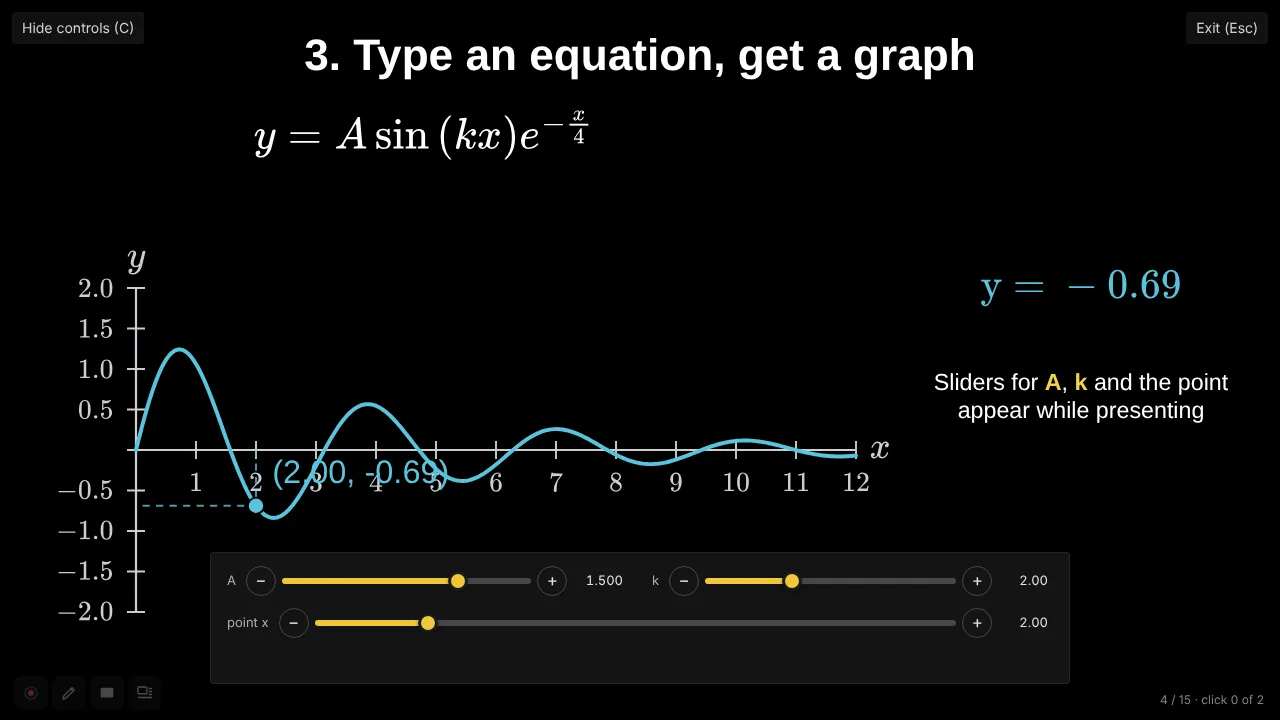
Open the Plot menu to add a graph and type the function. The axes, the numbers and the curve are drawn for you, and you can mark a point, show a tangent, shade an area or add Riemann rectangles from the panel on the right.
4. Add a live slider
This is what makes a slide interactive. Select the equation and tick Live slider next to a letter such as a. On a graph, tick Slider for the point while presenting. The slider appears under the slide, and moving it redraws everything linked to it: the equation, the curve, the point. You can try it in the editor before you present.
5. Build it click by click
Decide what the class sees first and what appears next. Each object can enter on its own click, and the bar under the slide lists them: what the slide opens with, then Click 1, Click 2 and so on. A good pattern is equation first, graph on the next click, then the question you want them to answer before you drag the slider.
6. Present it, share it, or export a video
Press Present. Every click, arrow key or remote button plays the next step, and the live sliders sit under the slide so you can change the maths in front of the room. C hides or shows them. Once the editor has loaded, presenting works offline.
To send it to students, share a link: they can watch it and drag the sliders themselves, without an account. You can also export the deck as an MP4 video.
Tips for maths slides that work in class
- One idea per slide. A slide that answers one question is easier to follow than a slide that covers a chapter.
- Predict, then reveal. Ask what will happen before the click or before you move the slider.
- One slider per idea. If a is the lesson, give a a slider and keep everything else fixed.
- Dark background, light text. It survives a washed-out projector better than black on white.
Questions
Can I make math slides in PowerPoint or Google Slides?
Yes, for text and pictures of equations. They do not know the mathematics, so a graph cannot redraw when a number changes. If you want a live graph or a slider, you need a tool built for mathematics.
Is Tracé free?
Yes. The free plan includes the full editor, every animation, share links and MP4 export with a small badge. Pro adds advanced 3D, your own recorded voice, AI credits and no badge.
Do I need to know LaTeX or code?
No. Equations are typed like on a calculator, and slides are built with menus and clicks. LaTeX is accepted if you already use it.
Does it work on a tablet or phone?
Yes. It runs in the browser on a computer, tablet or phone; Chrome or Edge work best.