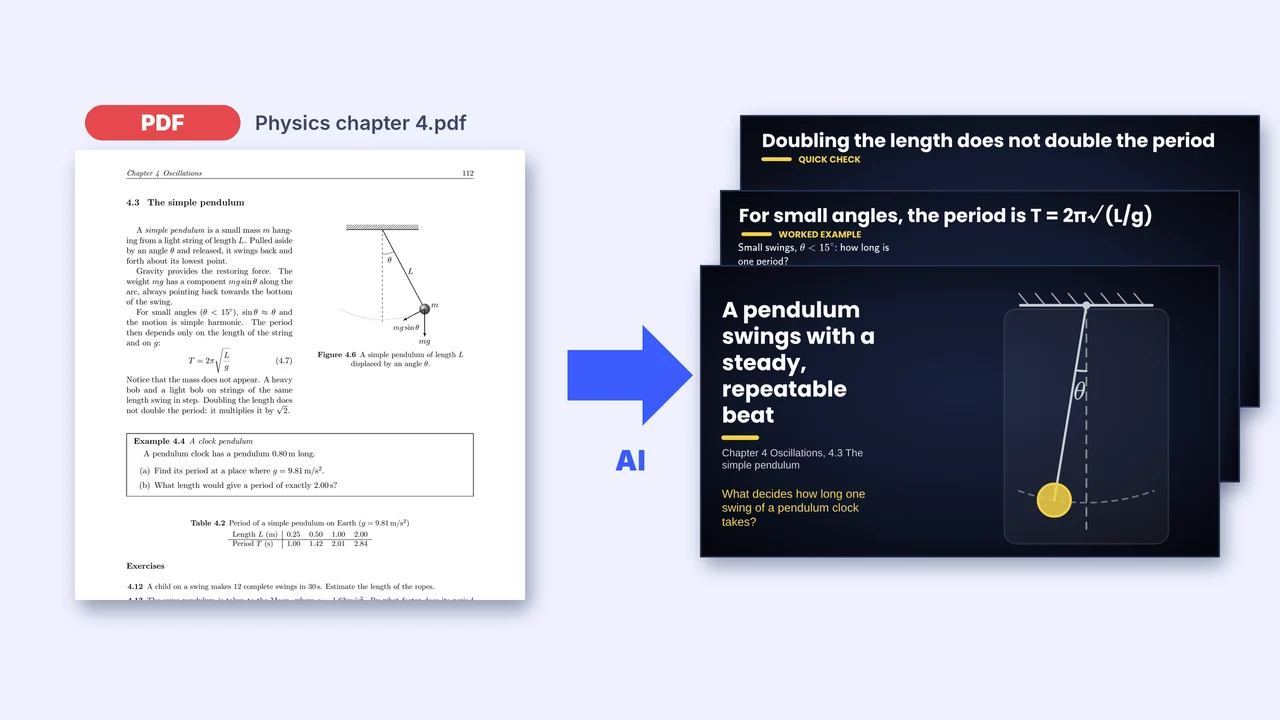
An AI presentation maker turns a topic or a document into slides in seconds. For teaching, the speed matters less than five things: are the facts and numbers right, is there one idea per slide, can the slides do more than show text, can you edit everything, and can it start from your own course rather than from the internet? Here is a checklist, and how Tracé handles each point.
1. Are the facts and numbers right?
Language models can state wrong numbers with confidence. Prefer a tool that builds from your own material, and always read the slides. Tracé builds from your PDF or notes when you give them, keeps their numbers, and recomputes each worked step itself: a step that does not add up goes back to the AI for correction before you see it.
2. One idea per slide?
A good lesson slide answers one question. Many generators produce dense bullet lists. Look for titles that state the idea, a picture that supports it, and short text.
3. Can the slides do more than show text?
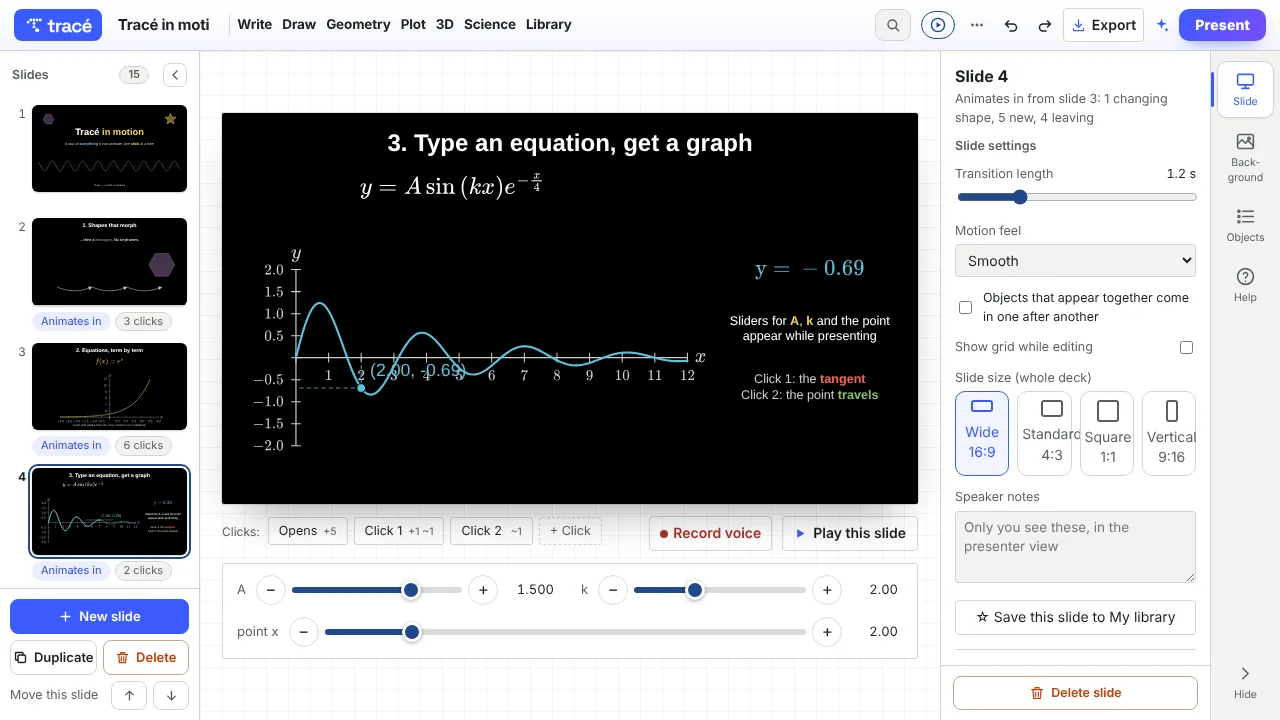
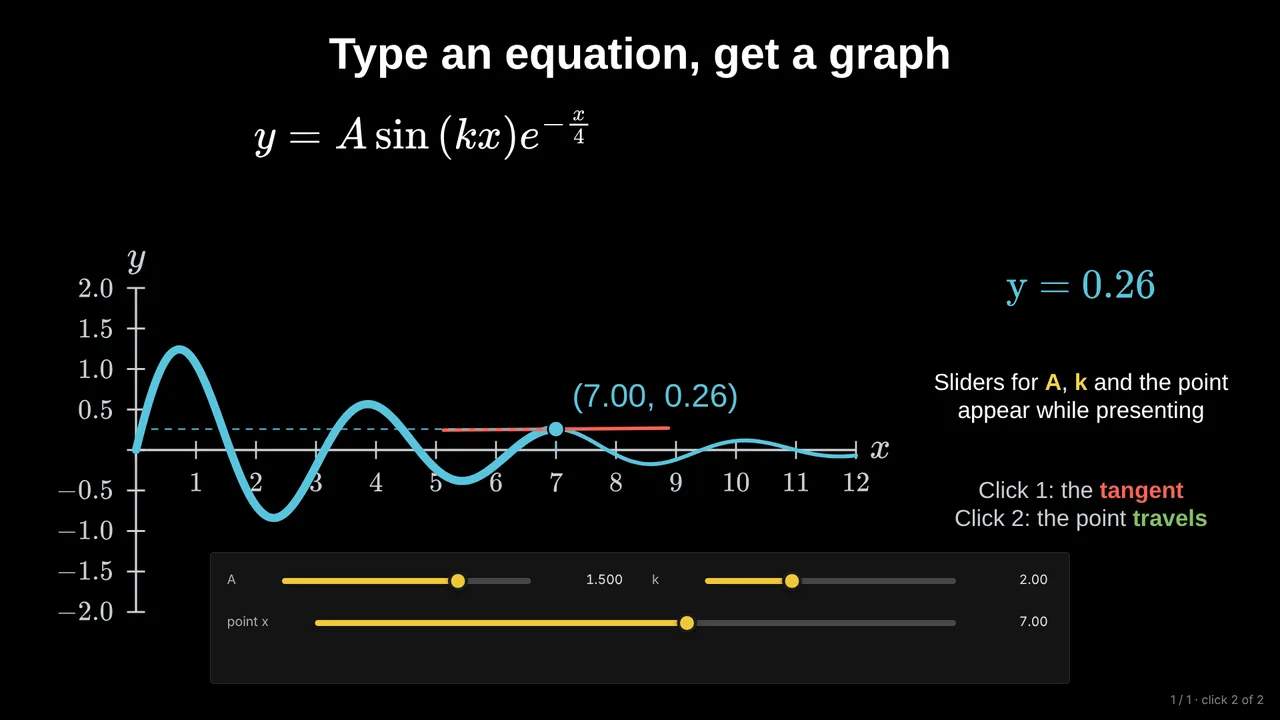
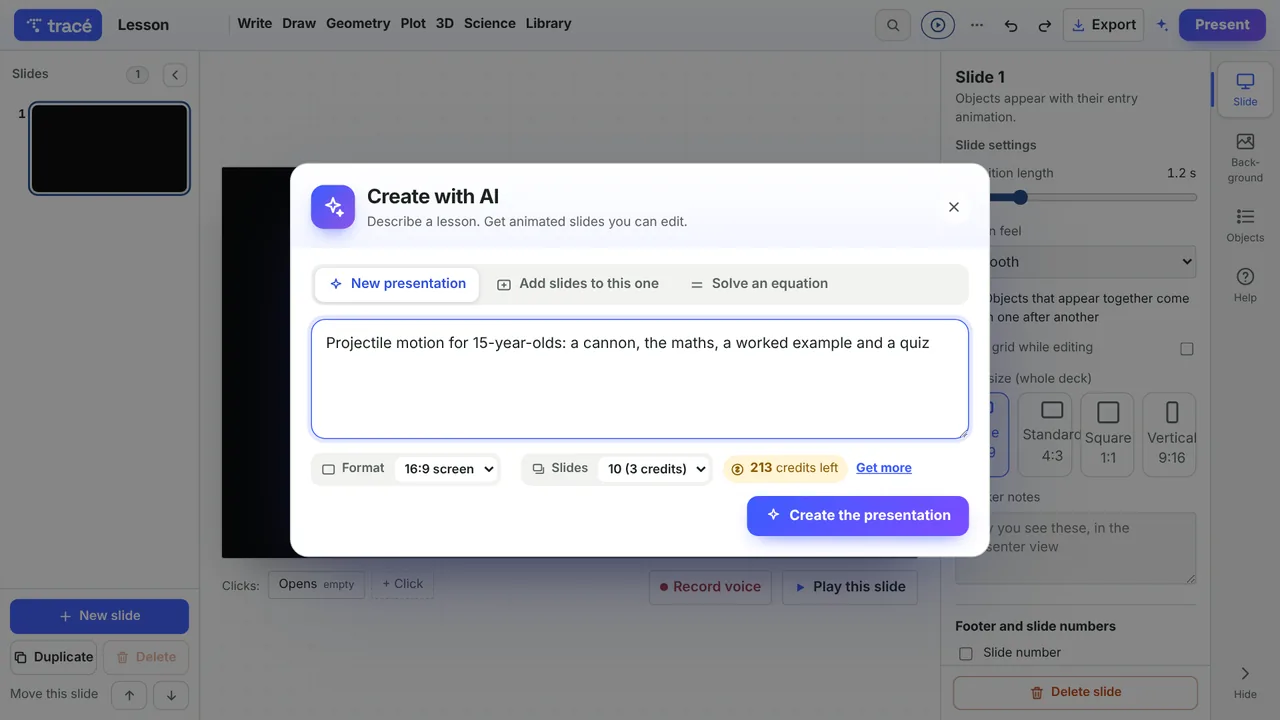
Most AI generators produce text and images. For maths and science, check whether you get graphs that are real graphs, worked examples revealed step by step, a quiz, and diagrams that move. Tracé's AI places sliders where varying a value is the point (a coefficient, a launch angle, a length) and animations where something happens over time.
4. Can you edit everything?
The first draft is never the final lesson. Check that every word, number, colour and animation can be changed, and that you can add your own slides.
5. Can it start from your course?
Your course has its own examples, notation and order. A tool that reads your PDF, your photos of pages or your notes gives slides that match what students already have. See how to turn a PDF into slides.
For long lectures
For a full lecture, ask for an outline first and change the plan before anything is built. Tracé builds up to 30 slides, offers an Expert style for specialist audiences, and can write speaker notes for every slide.
Questions
Is it acceptable to present AI-made slides?
Yes, as long as you have checked them and they serve your lesson. Treat the AI like a fast assistant whose work you review.
How much does it cost?
In Tracé, every account starts with 5 free AI credits; a short deck uses 1, a deck from a PDF about 3. Pro includes monthly credits.
Which languages?
Tracé's AI writes slides in English, French, Spanish, Portuguese and Arabic.
More: Animated math slides for teachers · How to create math slides, step by step