An interactive presentation gives the class something to think about before you show the answer. The simplest techniques are: ask for a prediction before each click, drag a live slider and let students call out what will happen, reveal working one step at a time, ask a quick question every few slides, and show processes moving rather than describing them. None of this needs special hardware, only slides built for it.
1. Predict, then reveal
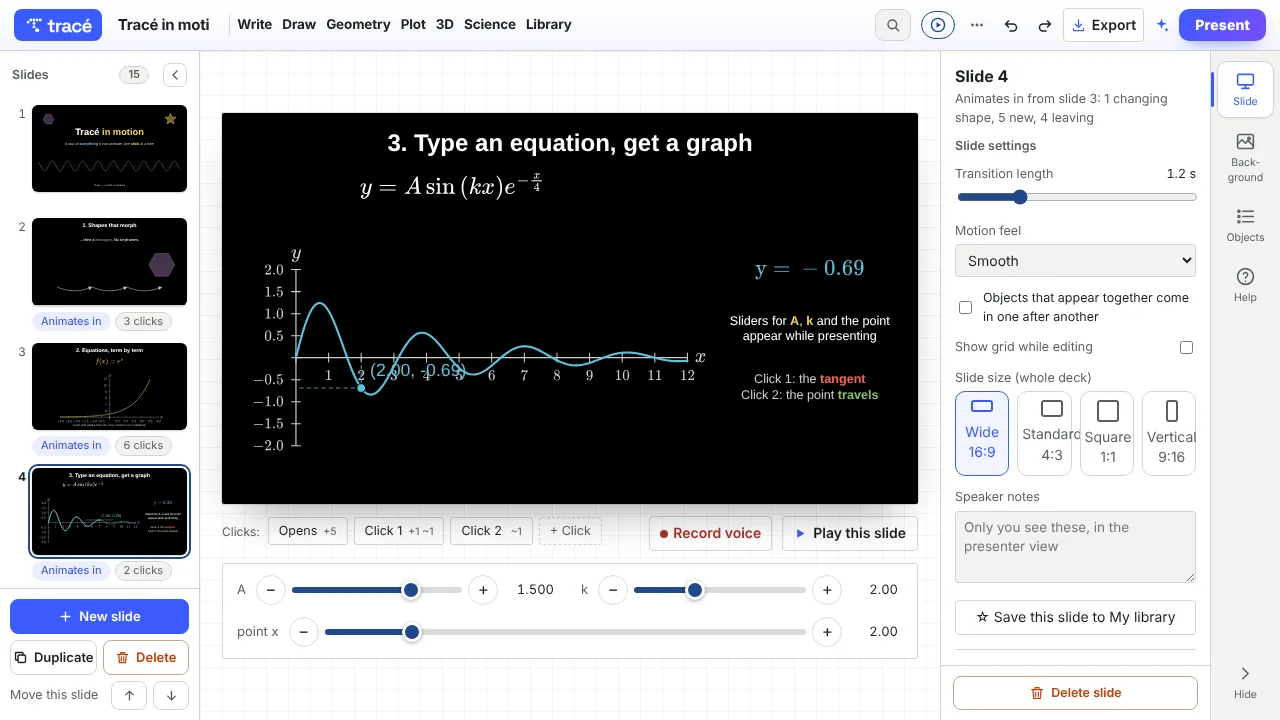
Put the question on the slide, pause, and reveal the answer on the next click. "Which ball lands first?" "What happens to the graph if a is negative?" A prediction, even a wrong one, makes students care about the answer. In Tracé every object can appear on a chosen click, so the answer waits until you are ready.
2. Drag a live slider
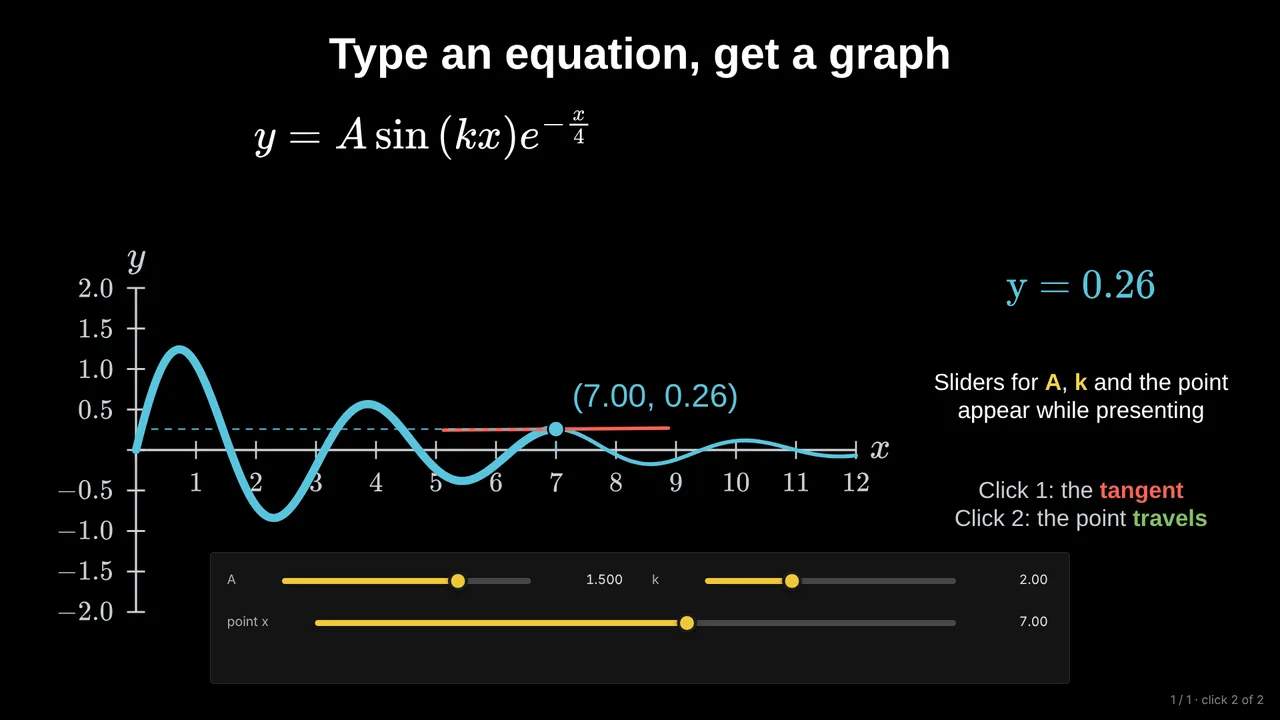
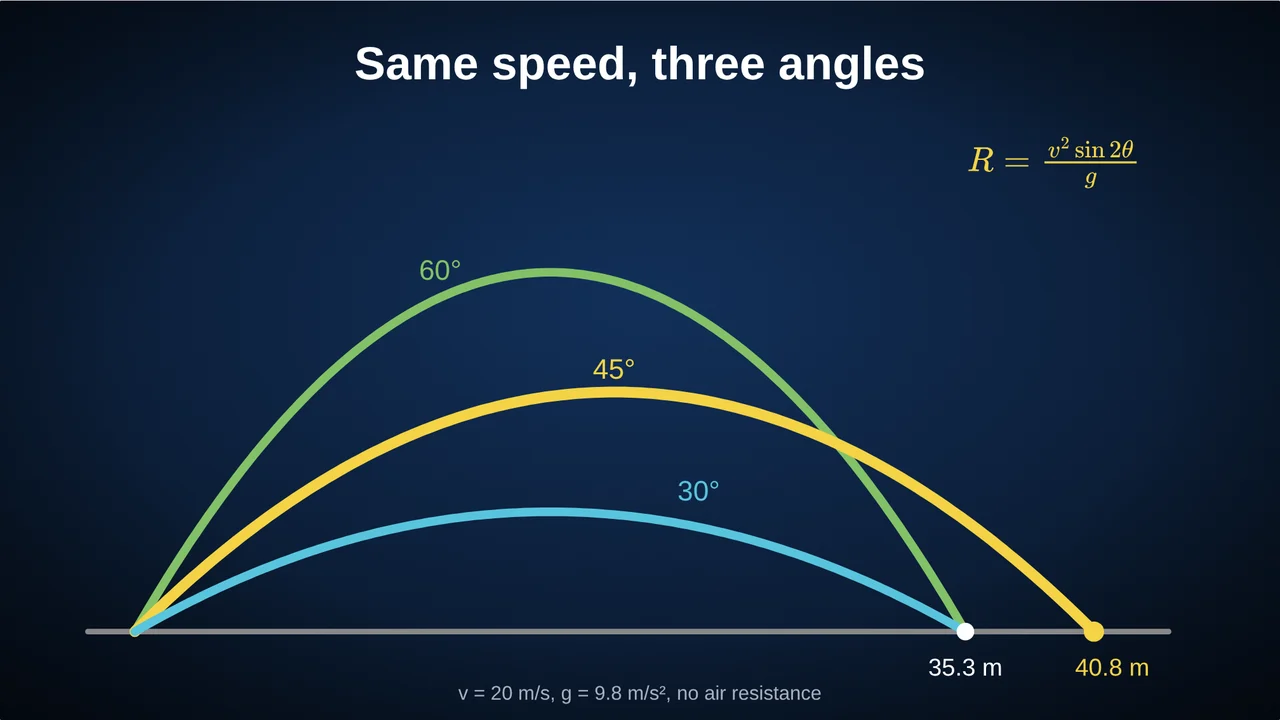
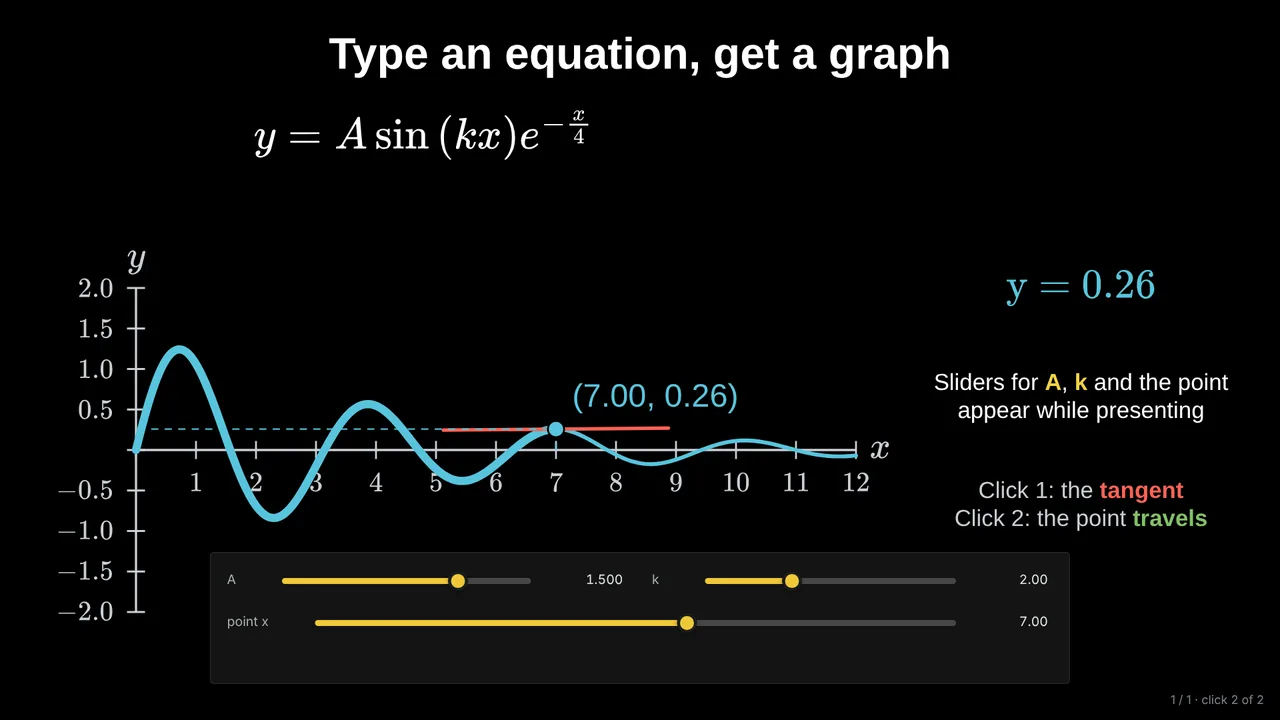
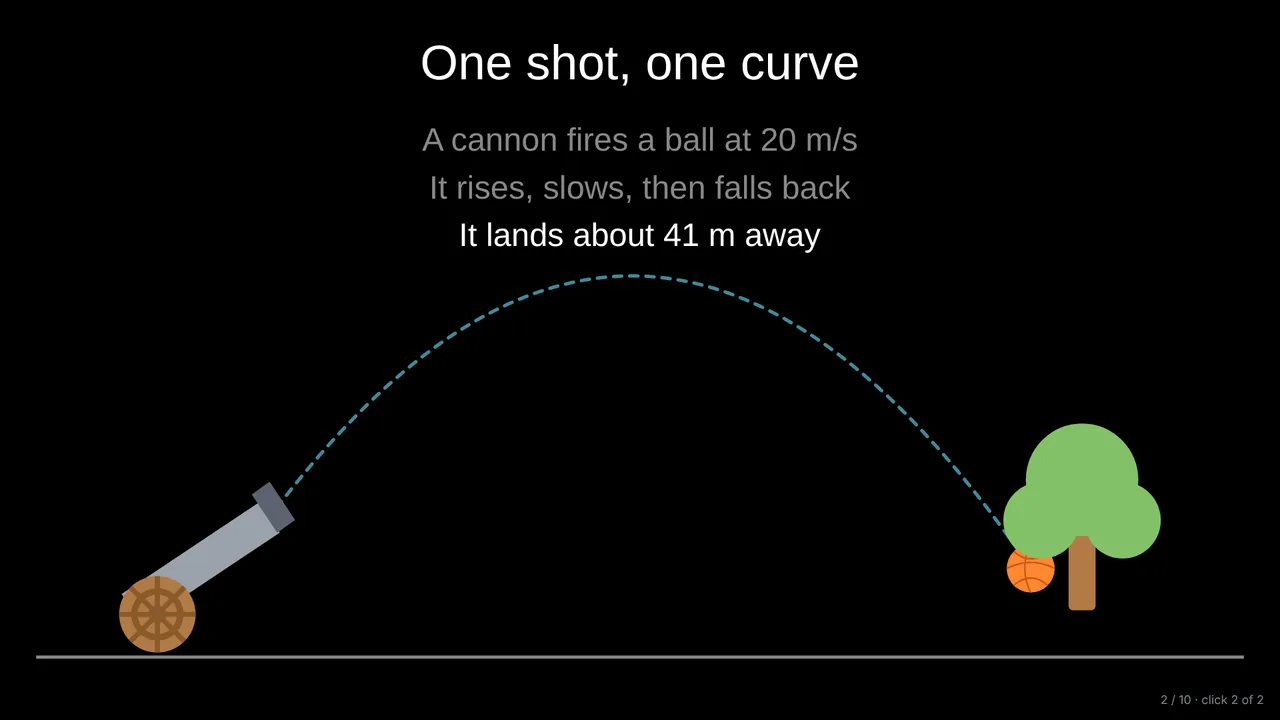
A slider turns a static picture into an experiment. Drag the launch angle and the trajectory changes; drag a coefficient and the parabola widens; drag the length of a pendulum and it slows down. Ask the class to predict before you drag. Students can drag it themselves on a shared link.
3. Show working one step per click
A full solution on one slide is read ahead and forgotten. One line per click keeps the class with you, and you can stop on any line to ask "what comes next?".
4. Ask a quick question every few slides
A multiple-choice question with the answer revealed on a click is the fastest check of understanding. Add the common mistake as one of the options and discuss why it is tempting.
5. Show processes moving
An orbit, a wave, a reaction, a route on a map, the steps of an algorithm: when something happens over time, show it happening. A moving diagram explains in seconds what a paragraph explains in minutes. Keep still what does not change, such as a definition or a labelled structure.
Let the AI do the first draft
In Tracé you can describe a lesson or upload a PDF, and the AI builds a deck that already uses these techniques: it adds a slider where varying a value is the point, motion where something happens over time, and a quiz. You then edit what you want.
Questions
Do students need devices?
No. Everything above works with one screen at the front. With a share link, students can also open the slides on their own devices and drag the sliders themselves.
Does this work for subjects other than maths and science?
Yes. Prediction, step-by-step reveals and quick questions work in any subject; moving diagrams suit anything with a process, a route or a timeline.
How many interactive moments per lesson?
One every three or four slides is a good rhythm: enough to keep attention, not so many that the lesson loses its thread.
More: Animated math slides for teachers · How to create math slides, step by step