The best PowerPoint alternative depends on what your lesson needs. For text, images and collaboration, Google Slides or Canva are enough. For a graph students explore themselves, Desmos or GeoGebra. For ready-made science simulations, PhET. For slides that move and change live while you teach (graphs that redraw, sliders, physics, step-by-step working), a tool built for that, such as Tracé. Here is how they compare in class.
General slide tools: PowerPoint, Google Slides, Keynote, Canva
They are excellent for text, pictures, video and design, and everyone already knows them. PowerPoint's Morph and Keynote's Magic Move make objects glide between slides. Their limit for maths and science is that they do not know the content: an equation is a picture, so a graph cannot redraw when a number changes, and there is no slider to drag in front of the class.
Graphing and geometry: Desmos and GeoGebra
Both are free and outstanding for exploring functions and geometry, and students can use them on their own devices. Desmos also offers classroom activities. They are tools for exploring one idea rather than for building a whole lesson as a sequence of slides with a story, but many teachers use them alongside their slides.
Ready-made simulations: PhET
PhET, from the University of Colorado Boulder, offers free, well-researched simulations for physics, chemistry and maths. They are ideal when a simulation for your topic exists; you use it as it is, rather than shaping it to your own lesson.
AI slide makers
Tools such as Gamma or the AI features in Canva generate good-looking decks from a prompt. They are fast for text-based presentations. For a lesson, check that the facts and numbers are right, and note that the slides are mostly text and images.
Slides that move: Tracé
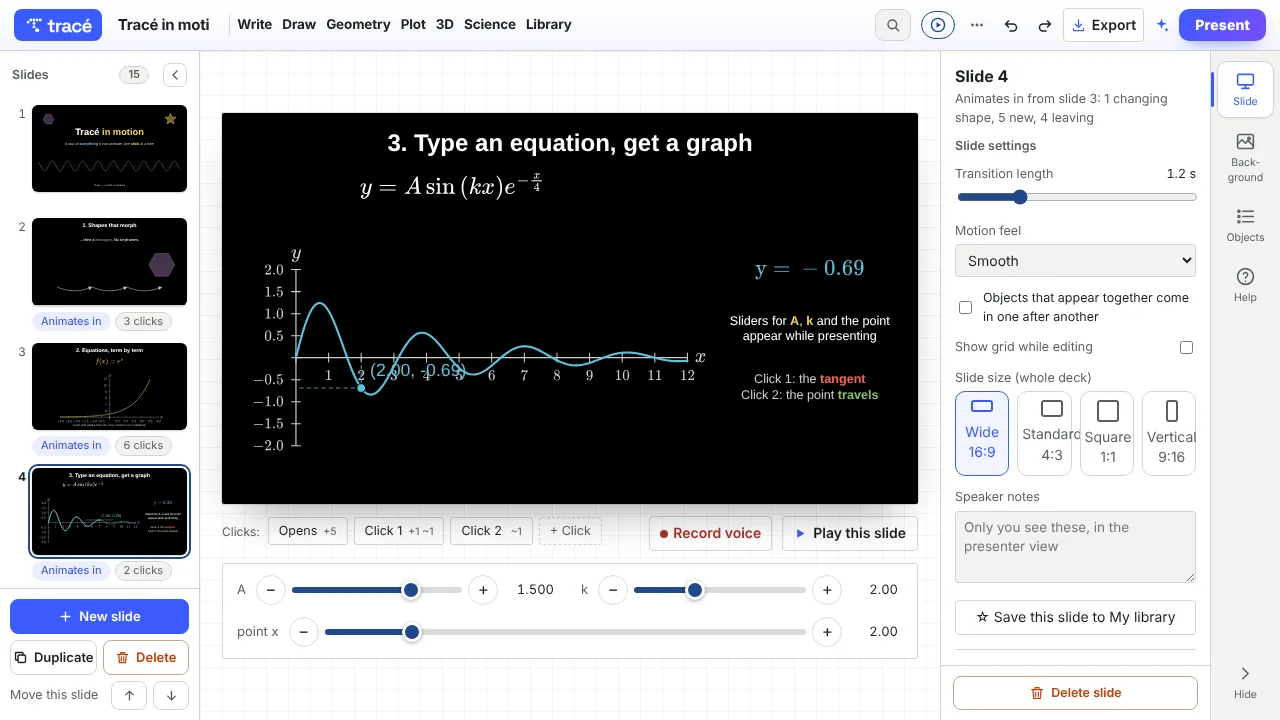
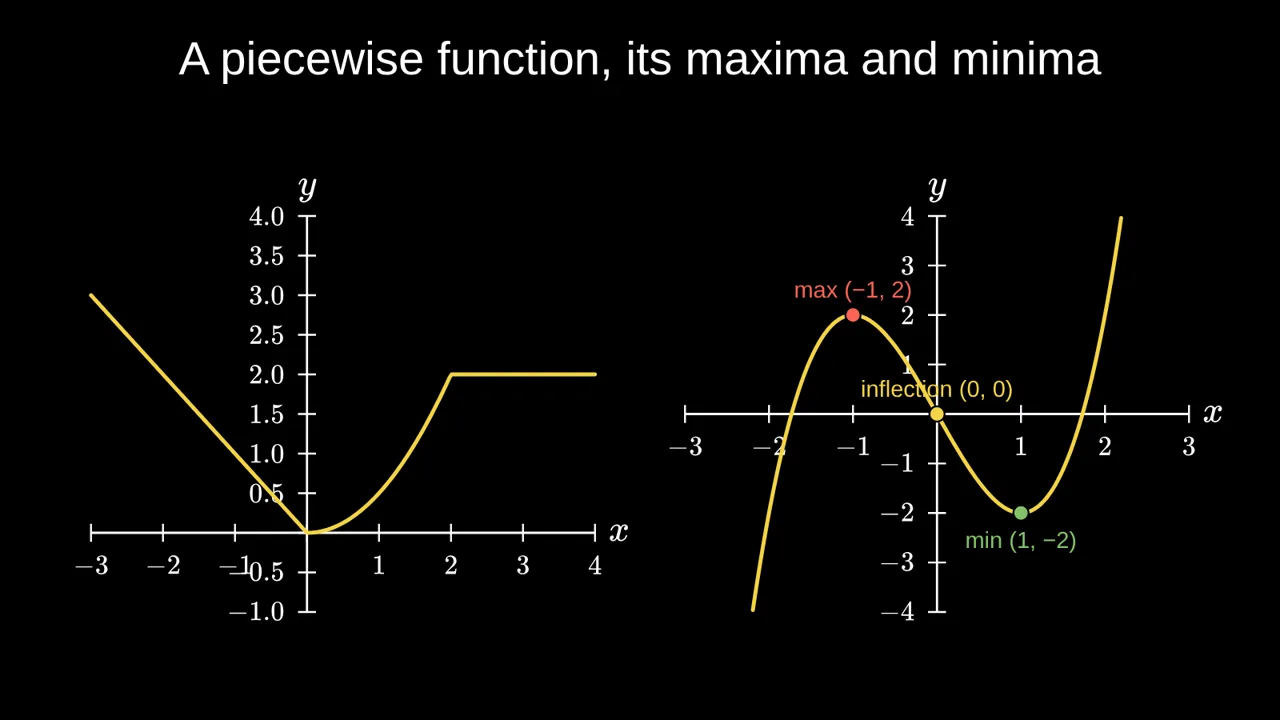
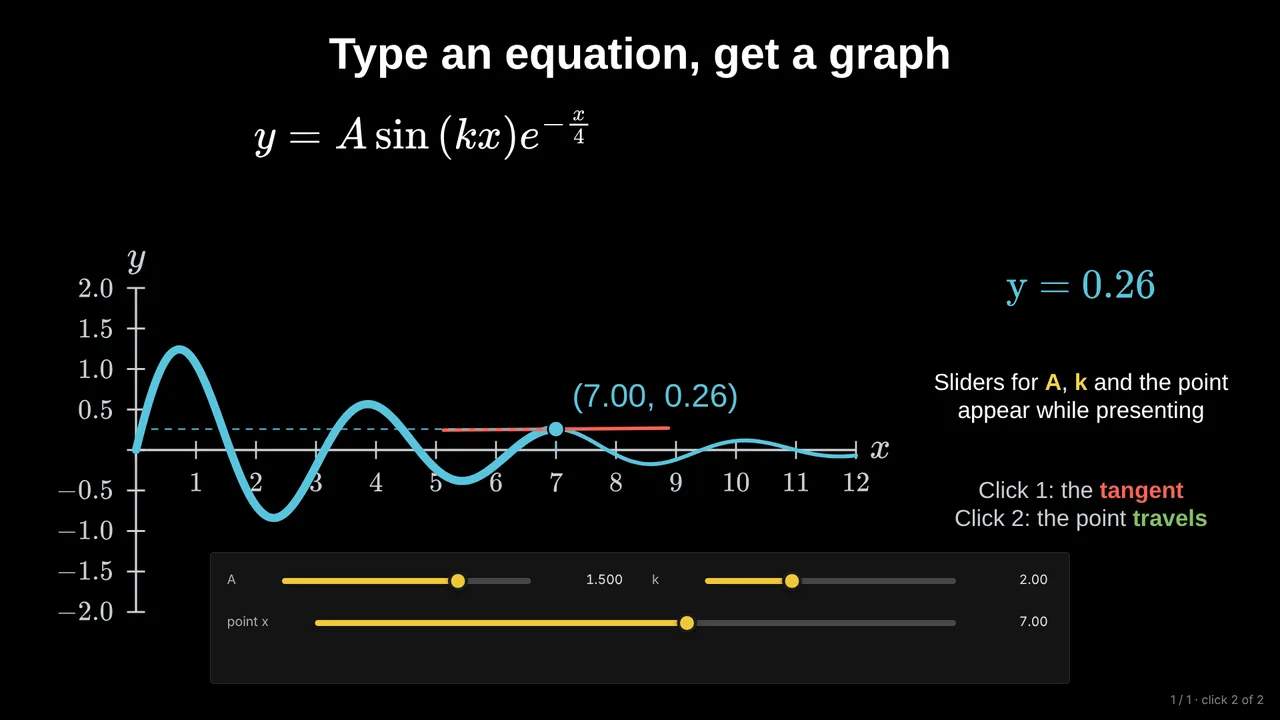
Tracé is a slide editor for lessons where something has to move or change: type an equation and its graph appears; add a slider and drag it live; animate a pendulum at its real period, a projectile, a wave, a derivation one line per click; end with a quiz. The AI can build a deck from a topic or a PDF. It runs in the browser, is free to start, and exports to PDF, video or a share link. It is not a design tool: for a poster or a newsletter, Canva is better.
How to choose
- Mostly text and images, shared with colleagues: Google Slides or PowerPoint.
- Visual design, posters, handouts: Canva.
- Students explore a graph on their own: Desmos or GeoGebra.
- A ready-made science simulation: PhET.
- You present, and the class watches things move and change as you talk: Tracé.
Questions
What is the best free PowerPoint alternative for teachers?
Google Slides for general lessons. For maths and science lessons with live graphs and animations, Tracé has a free plan with the full editor, share links and video export.
Can I use these tools together?
Yes. Many teachers present from slides and open Desmos, GeoGebra or a PhET simulation for one activity. In Tracé you can also embed a video or link to them.
Which tool works offline?
PowerPoint and Keynote work fully offline. Most browser tools need a connection; check before a lesson in a room without Wi-Fi.
More: Animated math slides for teachers · How to create math slides, step by step