
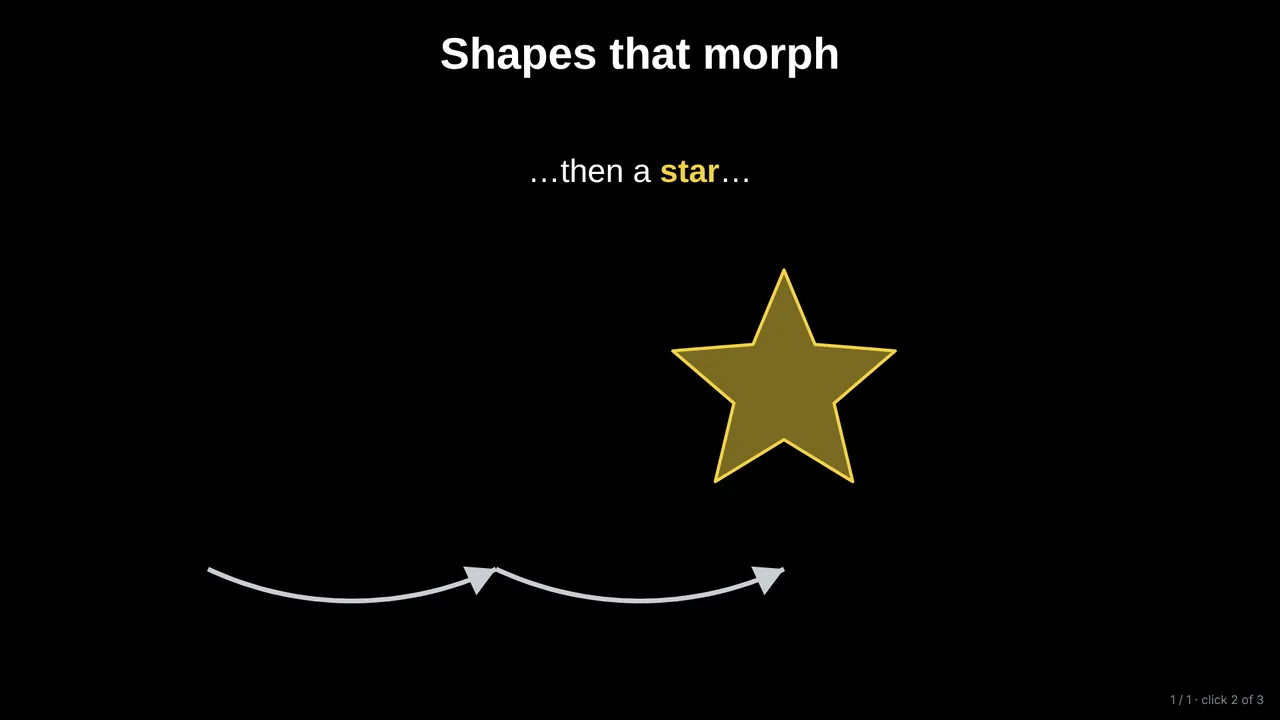
Slides that morph into each other
Move, resize or recolour things on the next slide: Tracé glides them there when you click, like a smart transition.
Animated presentations
You decide what happens on each click: a point appears, a chart grows, a shape moves, an equation transforms. Duplicate a slide, change it, and Tracé animates between the two. Nothing to install, and every animation is free.
Move, resize or recolour things on the next slide: Tracé glides them there when you click, like a smart transition.
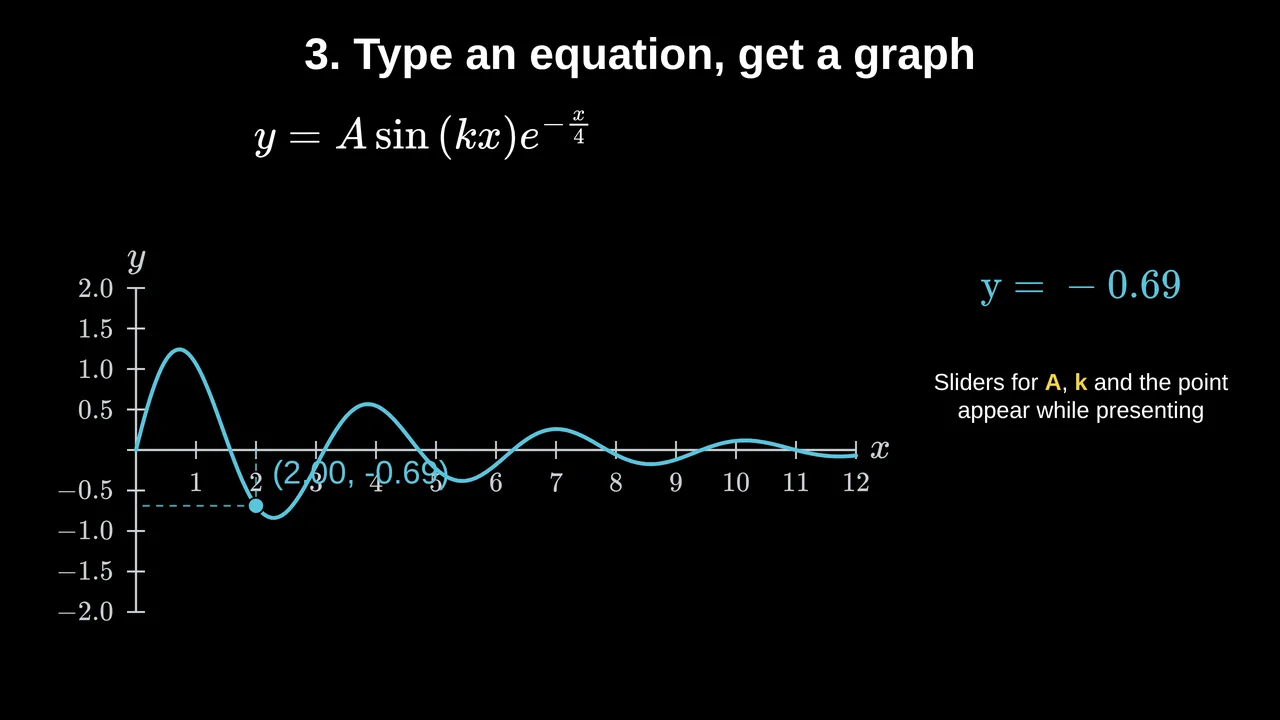
Bars grow, lines draw from left to right and numbers count up, so the audience sees the change rather than reading it.
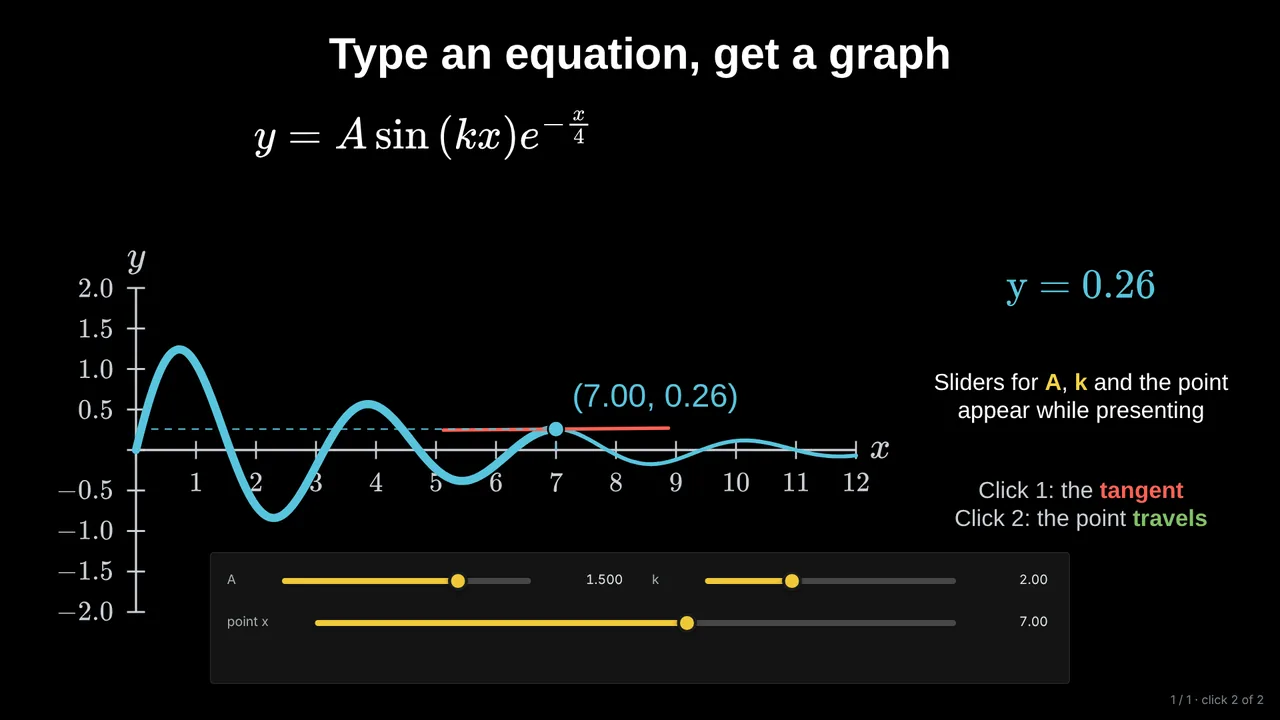
Add a slider and change a number in front of the room: everything that depends on it moves at once.
Bullet points, pictures or labels come in one at a time, so people listen instead of reading ahead.
Send an object along a path or to a new place: a ball rolls, a product slides in, an arrow points.
Shapes, text and equations change smoothly from one slide to the next.
Lines and curves draw themselves; numbers count up to their value.
Yes. Every animation is free, with no time limit. Shared links and videos carry a small “Made with Tracé” badge; Pro removes it and adds advanced 3D, your own voice and more AI credits.
No. It runs in Chrome or Edge on a computer, tablet or phone, and keeps working offline after your first visit.
Yes. Save as PowerPoint puts every slide in a .pptx file with your notes, and it opens in PowerPoint, Keynote and Google Slides. Each slide becomes its final picture, so the animations and sliders stay live in Tracé: present from the browser, share a link, or download a PDF or an MP4 video for those.
No. It is for any talk, lesson or pitch. It also has what most slide tools lack: typed equations, live graphs and science diagrams.
Start with an example deck or a blank slide. It takes a minute.