
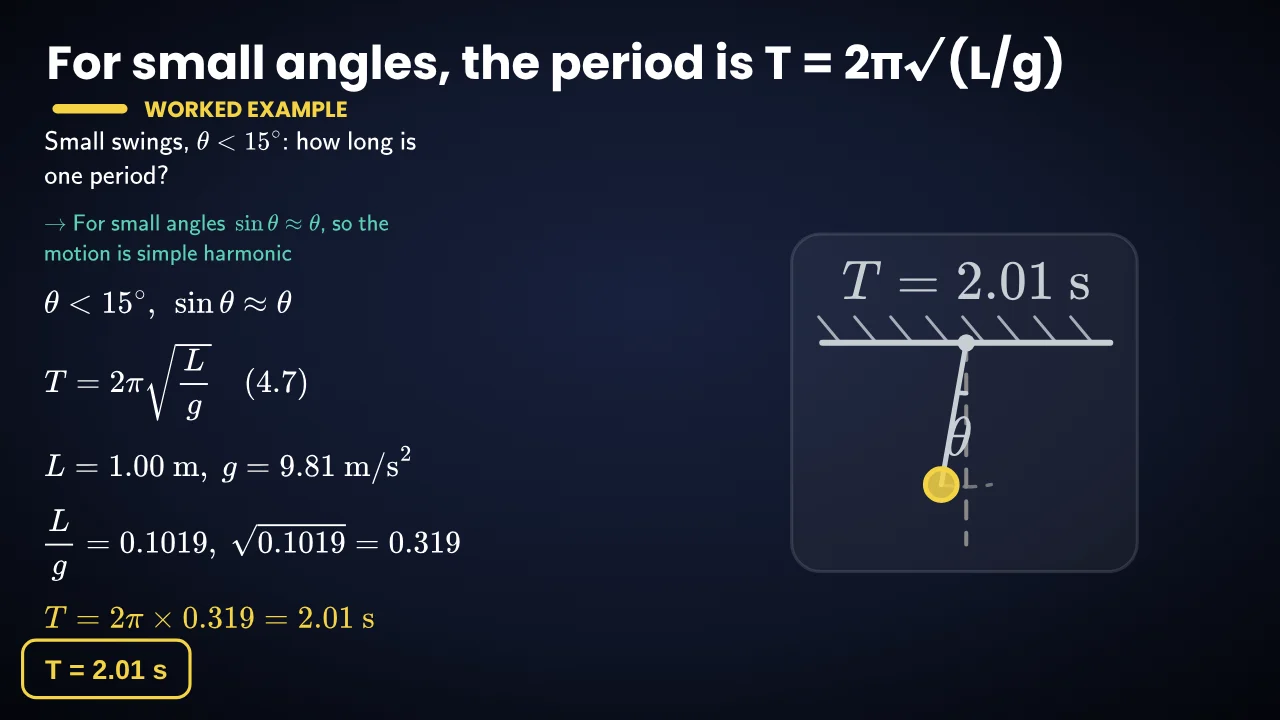
From your notes to slides in a minute
Drop in a PDF of your notes or a chapter, or paste text. Tracé keeps the formulas and numbers and lays them out as slides you can edit.
For students
A presentation due tomorrow, a group project, a thesis defence. Describe your topic or drop in your notes as a PDF, and Tracé builds animated slides with real graphs, equations that appear step by step and simulations. Change anything you like, then present from the browser or save a PowerPoint for the classroom computer.
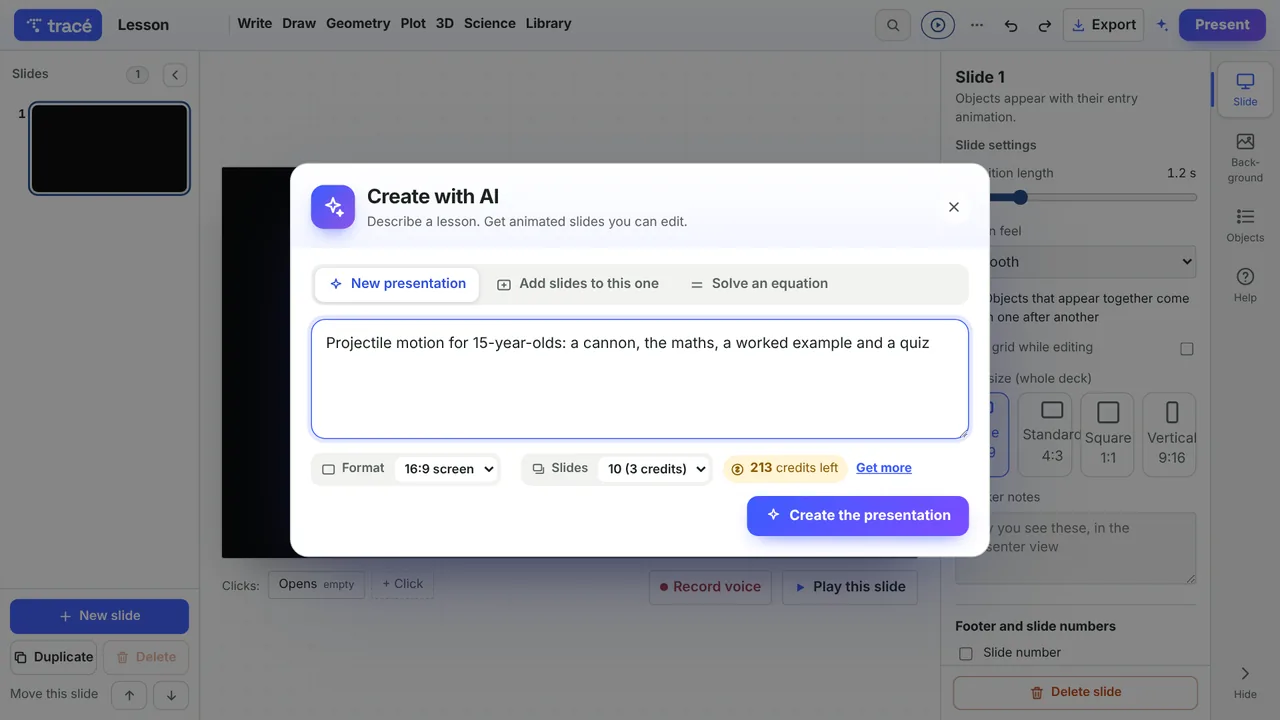
Drop in a PDF of your notes or a chapter, or paste text. Tracé keeps the formulas and numbers and lays them out as slides you can edit.
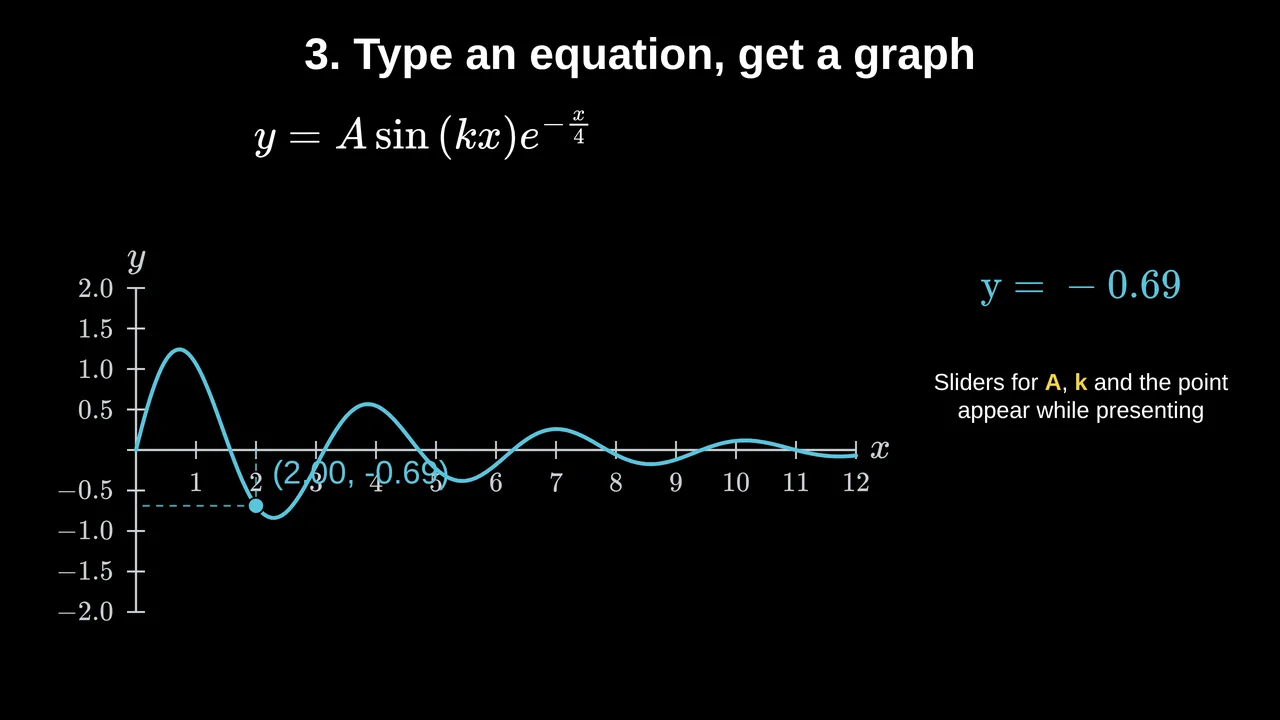
Type an equation and it is drawn as a graph. Each term can appear on its own click, so you explain it step by step.
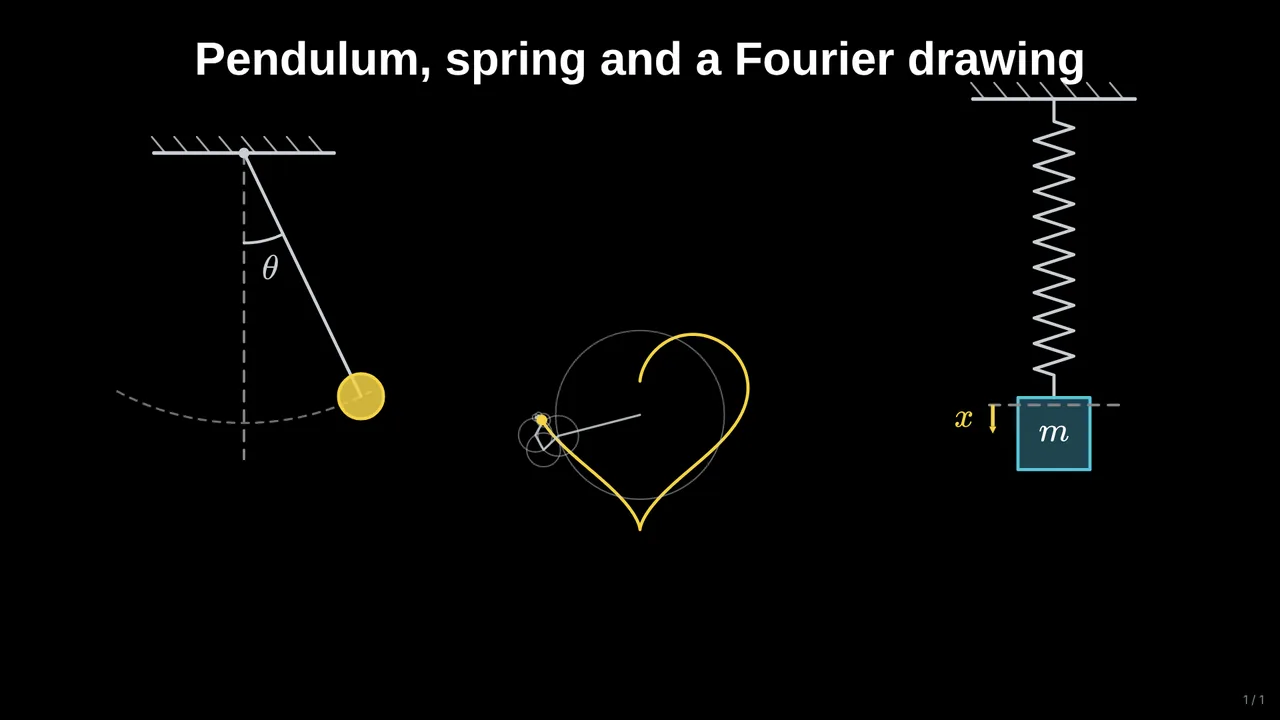
Projectiles, pendulums, circuits, waves, molecules and 3D shapes run on the slide. Drag a slider and they respond while you talk.
maths, physics, engineering, chemistry, economics, statistics and computer science: anything with formulas, graphs or a process to show.
a mostly text and photo presentation, such as a history essay or a book report. A general slide tool does that well.
Yes. The editor is free, and a free account can make a few AI presentations with the Quick mode every day. Pro ($72 a year) adds more AI, video without the badge and the presenter view.
Yes. Open your share link in any browser, nothing to install. Or export to PowerPoint or PDF and bring the file on a USB stick.
Use it as a strong first draft. It keeps the formulas and numbers from your notes, but read every slide before you present: you are the one answering the questions.
Tracé is available in English, French, Spanish, Portuguese and Arabic, and the AI writes slides in the language you write in.
Start with an example deck or a blank slide. It takes a minute.