To show a simulation in class without coding, you can open a ready-made simulation (PhET is the best-known free collection), or build the simulation into your own slides with a tool that knows physics, so it sits in your lesson, at your pace, with your numbers. The second option lets you predict, reveal and drag sliders without leaving the presentation.
Ready-made simulations
PhET's free simulations cover much of school physics and chemistry and are well tested in classrooms. Use them when one matches your lesson. The trade-off is switching between your slides and the simulation, and adapting your lesson to its settings.
Simulations inside your slides
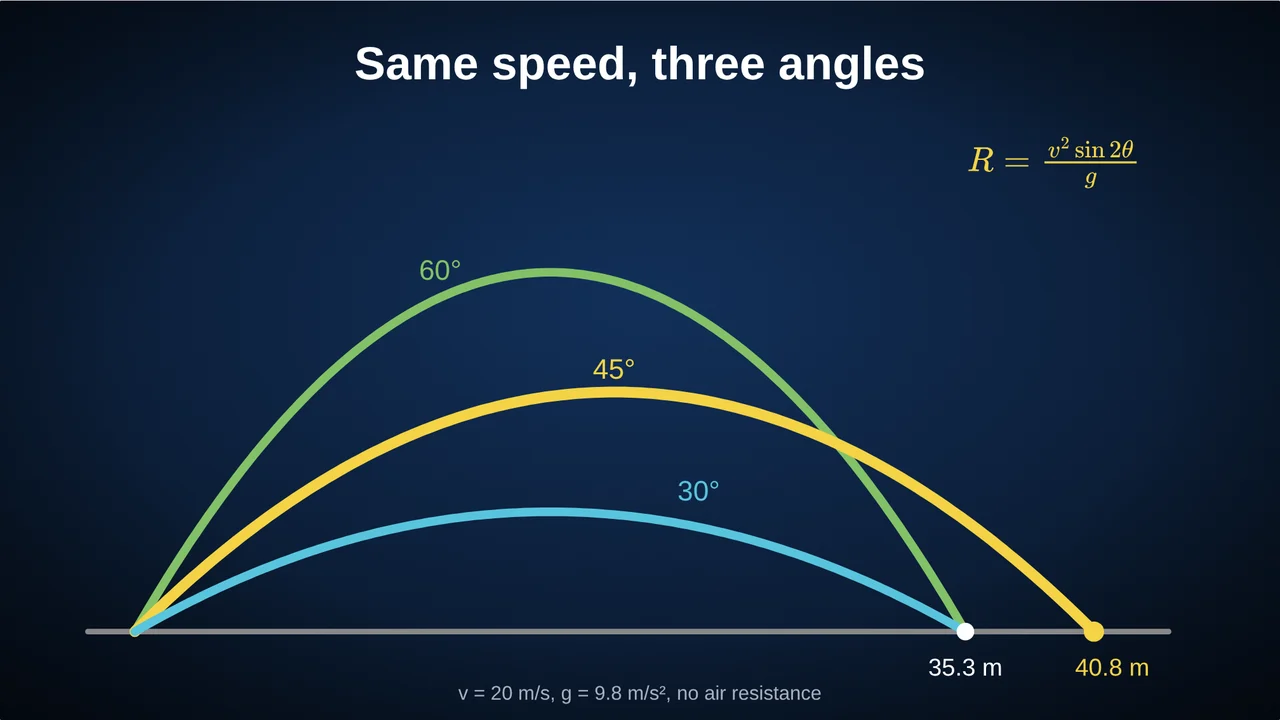
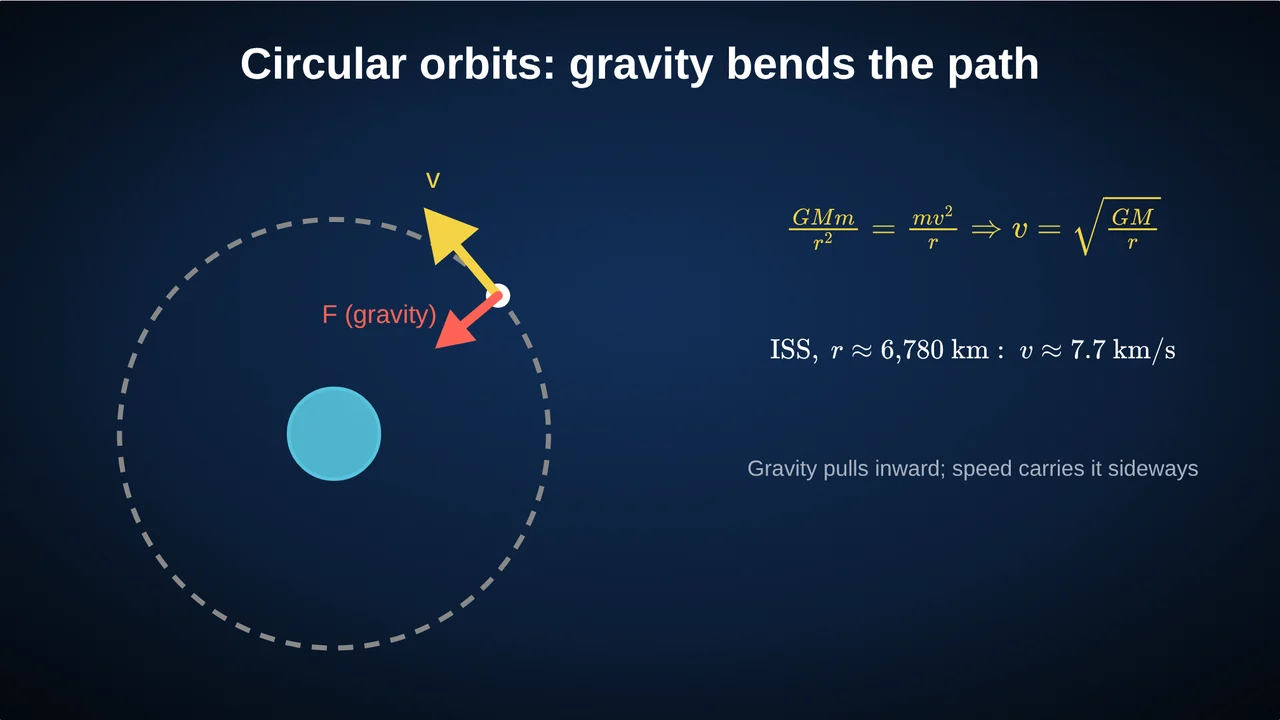
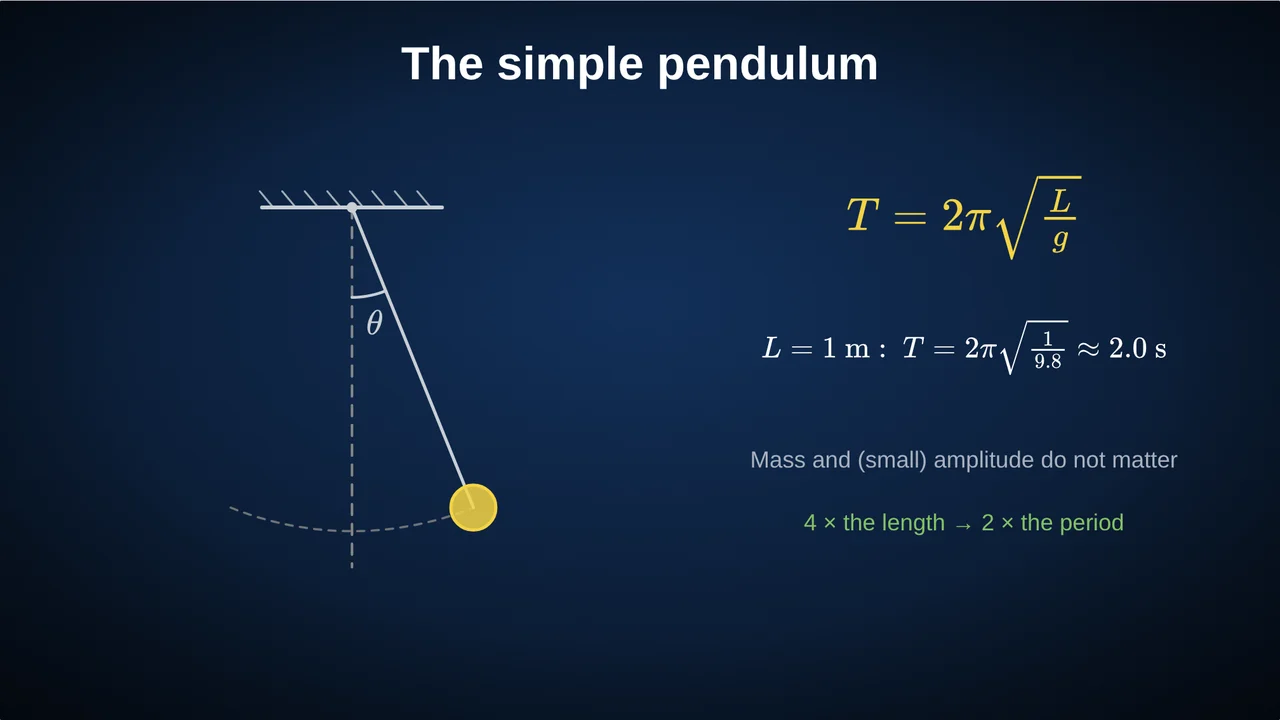
In Tracé, physics objects are part of the slide: a pendulum that swings at its real period T = 2π√(L/g), a projectile with its trajectory, an orbit, waves, a spring, a circuit, an atom. They run as you present, and you can give the class a slider: drag the length and the pendulum slows; drag the angle and the projectile lands elsewhere.
How to use a simulation in a lesson
- Ask first. "If I double the length, what happens to the period?"
- Run it. Drag the slider, watch together.
- Connect it to the equation. Show the formula next to the motion, with the value updating live.
- Check. End with a quick question that uses the result.
Beyond physics
The same approach works for maths (a tangent sliding along a curve, a Riemann sum filling an area), for telecommunications (a constellation diagram with noise and jamming) and for anything with a process that unfolds over time.
Questions
Do I need to install anything?
No. Tracé runs in the browser; Chrome or Edge work best.
Can students use the simulation themselves?
Yes, with a share link they can open the slides and drag the sliders on their own devices, without an account.
Are the simulations physically correct?
They use the standard equations, such as the pendulum period, projectile motion under gravity and circular orbits. Check the values on the slide, as you would with any demonstration.
More: Physics animations for the classroom · How to create math slides, step by step